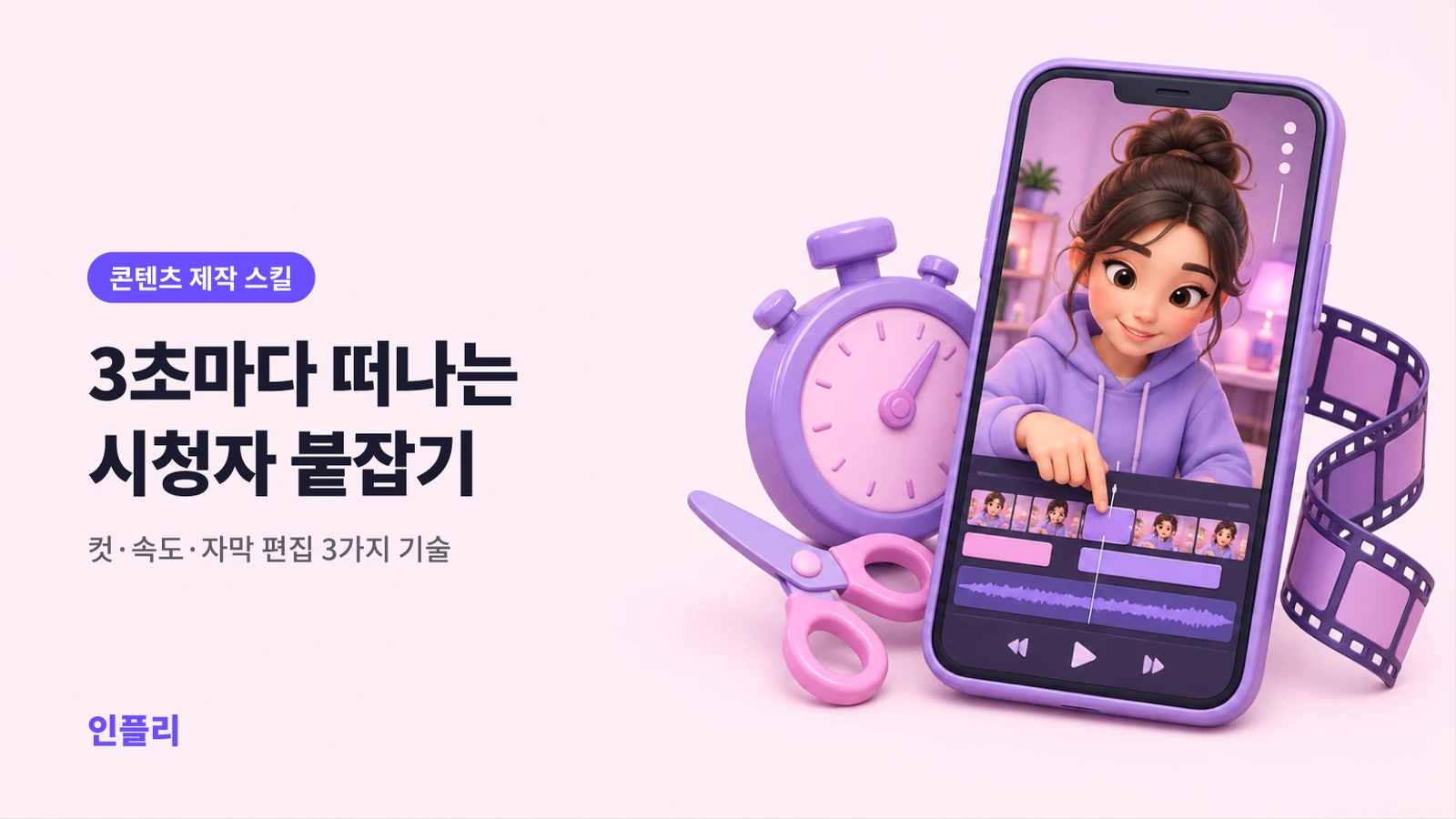
Viewers decide to leave every 3 seconds: 3 editing techniques that raise watch time
inflee team
8/26/2026
However good your footage is, half of the result is decided in the edit.
Short-form algorithms look at one thing above all: do people watch this to the end? When completion rate and audience retention are high, the algorithm shows your video to more people. When viewers drop off early, your reach shrinks — no matter how many followers you have.
Here's the uncomfortable truth: viewers feel no loyalty to your video. Their thumb is always ready to flick up, and every three seconds their brain asks, "Should I leave?" Editing for watch time is the craft of holding that thumb still.
This guide breaks down the three core techniques — cuts, pacing and captions — that lift watch time even when your raw footage is just average.
The big picture: remove the moment boredom starts
Good editing isn't about flashy effects. It's about not leaving a single boring second. The moment a viewer gets bored is the moment they leave.
Before you start, remember one question:
"Would the video work without this part?" If the answer is even a little bit yes, cut it.
Technique 1: cuts — remove silence and drag
Start by cutting dead time
Open any raw clip and you'll find dead time everywhere:
- The pause before you start talking ("Um… so…")
- Unneeded silence between sentences
- Waiting for the next shot after "Okay, next up"
- Stretches where you said the same thing twice
Cut all of that and your video usually gets 20–40% shorter — and far denser. Three minutes of pure substance feels completely different from three minutes with filler.
Jump cuts: the heart of short-form editing
A jump cut removes the gaps between phrases and joins the clips, so the speech flows without pause. It's why creators seem to talk nonstop without ever catching their breath.
The workflow:
- Drop the whole clip onto the timeline.
- Look at the waveform. Flat stretches with no voice are silence.
- Cut out the silent stretches and join the clips on either side.
- Smooth any joins that feel abrupt.
Most editing apps now have an automatic "remove silence" feature. Running it once does about 80% of your jump-cut work. It's worth finding in whatever app you use.
How to smooth out jump cuts
Too many jump cuts make the frame twitch, which gets tiring. When that happens:
- Add a tiny zoom in or out (a 1–2% scale change) at the cut point so the clips flow together.
- Cover the cut with B-roll — an ingredient close-up for a recipe, a product shot for a review.
- Keep transition effects to a minimum. Overusing them looks dated.
The three-second rule: a rhythm of visual change
When the same angle and frame last more than three to five seconds, the brain gets bored. So make something change every three to five seconds:
- An angle change, a zoom, a caption appearing, a B-roll insert, an on-screen highlight.
- It doesn't have to be a cut. New information on screen is enough for the brain to think, "There's still more to see."
Technique 2: pacing — speed up, slow down, build rhythm
Flat videos run at the same speed from start to finish. Well-made ones have variation in pace.
Nudge up the overall speed
For talking or explainer content, try speeding the finished edit up to 1.05–1.2x. The slightly quicker tempo makes the video feel tight and free of filler. Go too far, though, and it becomes hard to follow and sounds rushed.
Adjust speed section by section
- Key moments and the climax: normal speed or slightly slower, so viewers lean in.
- Necessary but boring steps (prepping ingredients, assembly, travel): 2–8x speed, timelapse-style.
- Emotional or reaction moments: slow motion for emphasis — a surprised face, a big reveal.
The first three seconds must never drag
Early drop-off hurts completion rate more than anything else. Make the opening especially fast and dense:
- Skip the greeting and introduction, or move them later. Starting with "Hi, I'm…" is when thumbs start moving.
- Show the payoff or the most interesting shot first, briefly (a cold open).
- For example: "This one trick cut my editing time in half" — then straight into it.
Technique 3: captions — hold attention even on mute
A large share of short-form viewers watch with the sound off. Without captions, your video is silent to them. Captions aren't optional.
Three rules for captions
- Easy to read: one or two lines per screen. Break long sentences up. Use large text in a color that contrasts with the background — white with a black outline is the standard.
- Mind the placement: keep captions clear of the platform UI (the account name at the bottom, buttons on the right). Stay in the safe zone, from the center to just below it.
- Match the speech: captions that appear before the words spoil the line; captions that lag feel sluggish. Time them to the voice.
Captions have rhythm too
This is where flat captions and gripping captions part ways:
- Highlight keywords: change the color or size of only the important words. In "This is the real secret," only "real" turns yellow.
- Word-by-word captions (karaoke style): when words light up one at a time with the voice, eyes keep following the text. Very effective for retention.
- Reaction text and emoji: big text or emoji on moments of surprise or laughter amplify the emotion visually.
Draft captions with an auto-caption feature, then fix typos and timing. Typing everything by hand takes several times longer. Auto-captions often get names and jargon wrong, though, so always proofread.
Captions are your second hook
A caption hook in the first three seconds is powerful too. Put a line like "How I gained 1,000 followers in 3 days" at the top of the frame, and even people scrolling on mute will stop.
An editing workflow: follow the order and go faster
Beginners spend hours editing because they jump between tasks with no order. Stick to this sequence:
- Rough cut: delete unusable takes and mistakes wholesale.
- Silence and drag: jump cuts and auto silence removal to raise density.
- Structure: set the order and put the hook up front.
- Pacing: timelapse, slow motion, overall speed.
- Captions: auto-caption, proofread, highlight keywords.
- B-roll and emphasis: only where needed.
- Sound: background music (low), sound effects, noise cleanup.
- Final watch-through: once on mute, once with sound. Look for anything boring.
Watch-time checklist
Ask yourself before you upload:
- Is there a hook in the first three seconds (no greeting or preamble)?
- Did you cut every silent or dragging stretch?
- Does something change on screen every three to five seconds?
- Did you speed up the boring steps?
- Are there captions, and do they match the speech?
- Does the video make sense with the sound off?
- Are captions clear of the UI buttons?
- Does the music stay under your voice?
- Does the ending make people want to watch your next video?
- Watching it all the way through, is there any part you'd want to skip?
Editing is the art of subtraction
Remember: good editing is not about what you add but what you take out. Cutting five boring seconds does more for watch time than ten flashy effects. It takes time at first, but once this workflow becomes habit, your editing speed and your completion rate climb together.
Videos people finish are the ones brands notice first. Once your edits hold attention, make sure brands can actually find you — see how to set up your Instagram for discoverability. And when you're ready to post, schedule your Reels for free so they go out at the times your audience is watching.
inflee team
inflee marketing
Everything about influencer marketing, from inflee.