September 30, 2026
Set your campaign application rates in one place
Rates you set in My page are shown on your applications for reference, and brands can see your rate range in applicant details. Link page saves now take effect right away.
Set campaign application rates in one place
Set them once in My page rate settings and they’re shown on your applications for reference, and brands can see the rate range in applicant details.
You no longer have to enter your campaign rates separately on different screens. Set your rate for each platform once in My page rate settings, and it’s shown on your application for reference when you apply to a campaign. If information needed to apply is missing, we guide you to the input screen, and once you save, you’re taken back to your application.
Brands can check, for reference, the rate range at the time of application in the applying creator’s details.
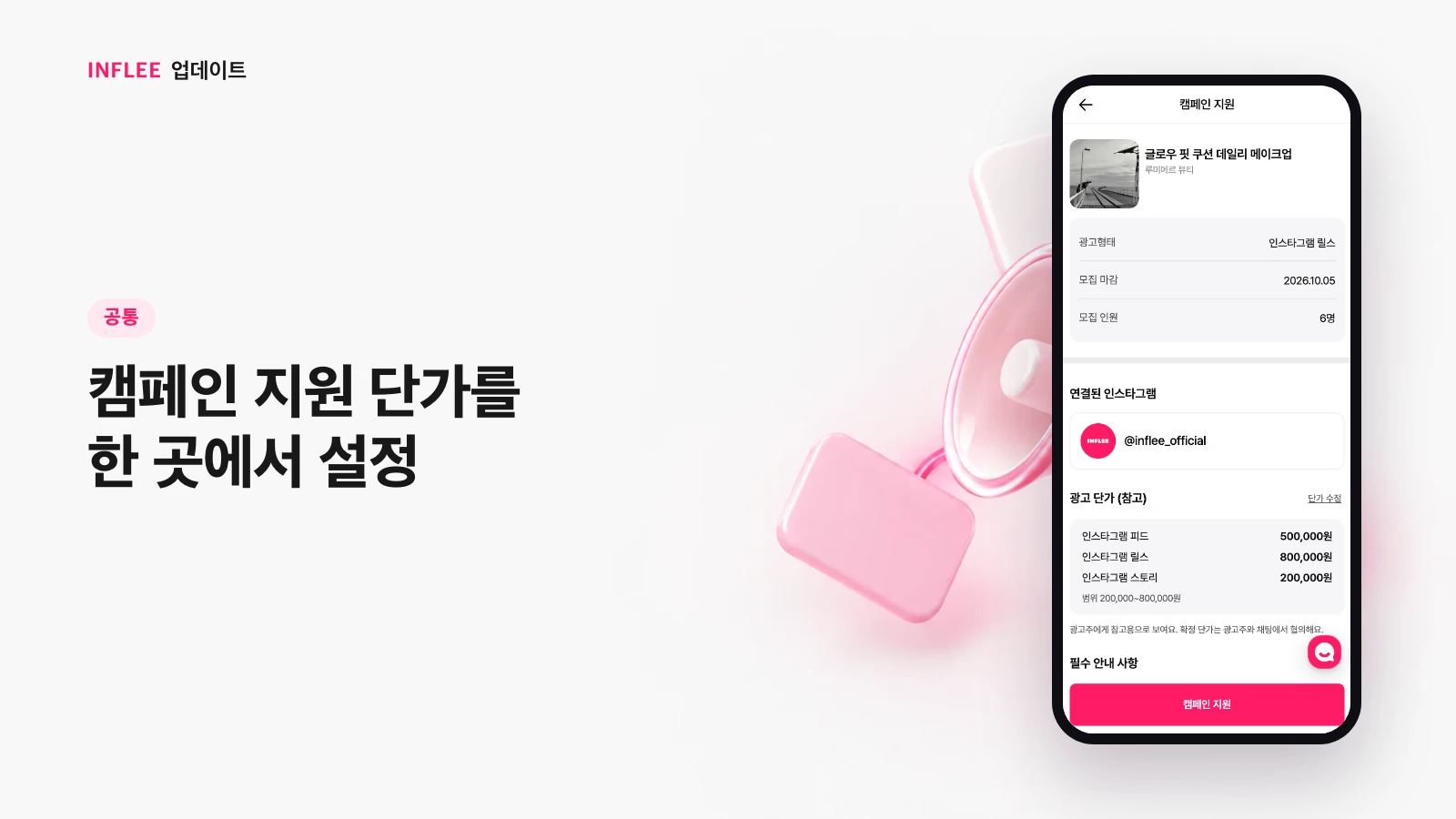
* Images show the current screen. The actual screen may change slightly with updates.
Link page changes go live as soon as you save
Saved blocks, collections and social links now show up on your public link page right away.
When you add or edit blocks, collections or social links on your link page and save, the changes now show up immediately on the public page your visitors see. No more waiting a few minutes after saving.
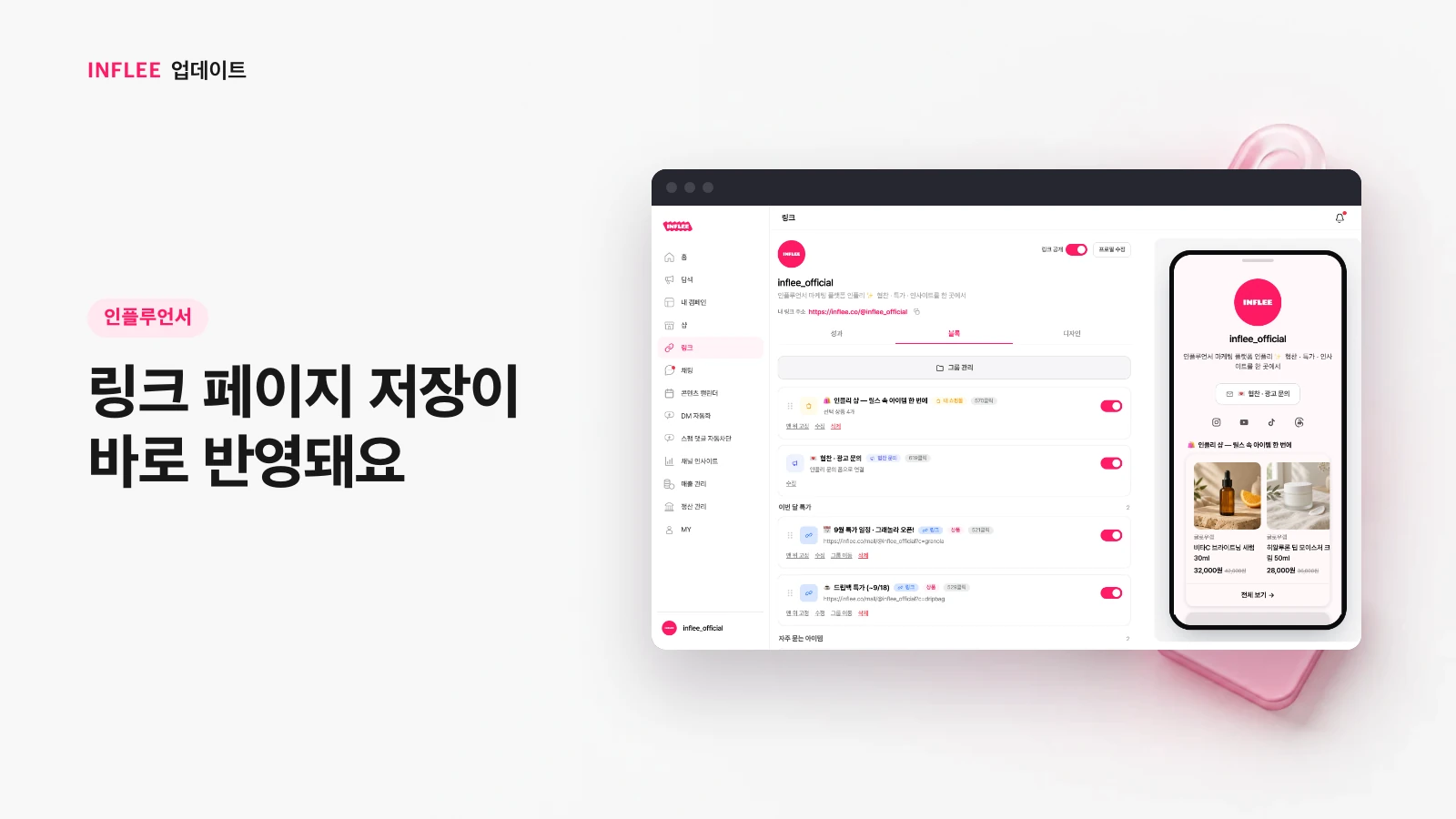
* Images show the current screen. The actual screen may change slightly with updates.
Update notes are easier to find
Open update notes from the top menu next to Blog and Guide, and browse them as a timeline by date.
Update notes now sit in the top menu of the landing page, next to Blog and Guide. The list is a clean timeline by date, and selecting an entry takes you straight to it. Choose the creator or brand tab to see only the updates that apply to you.
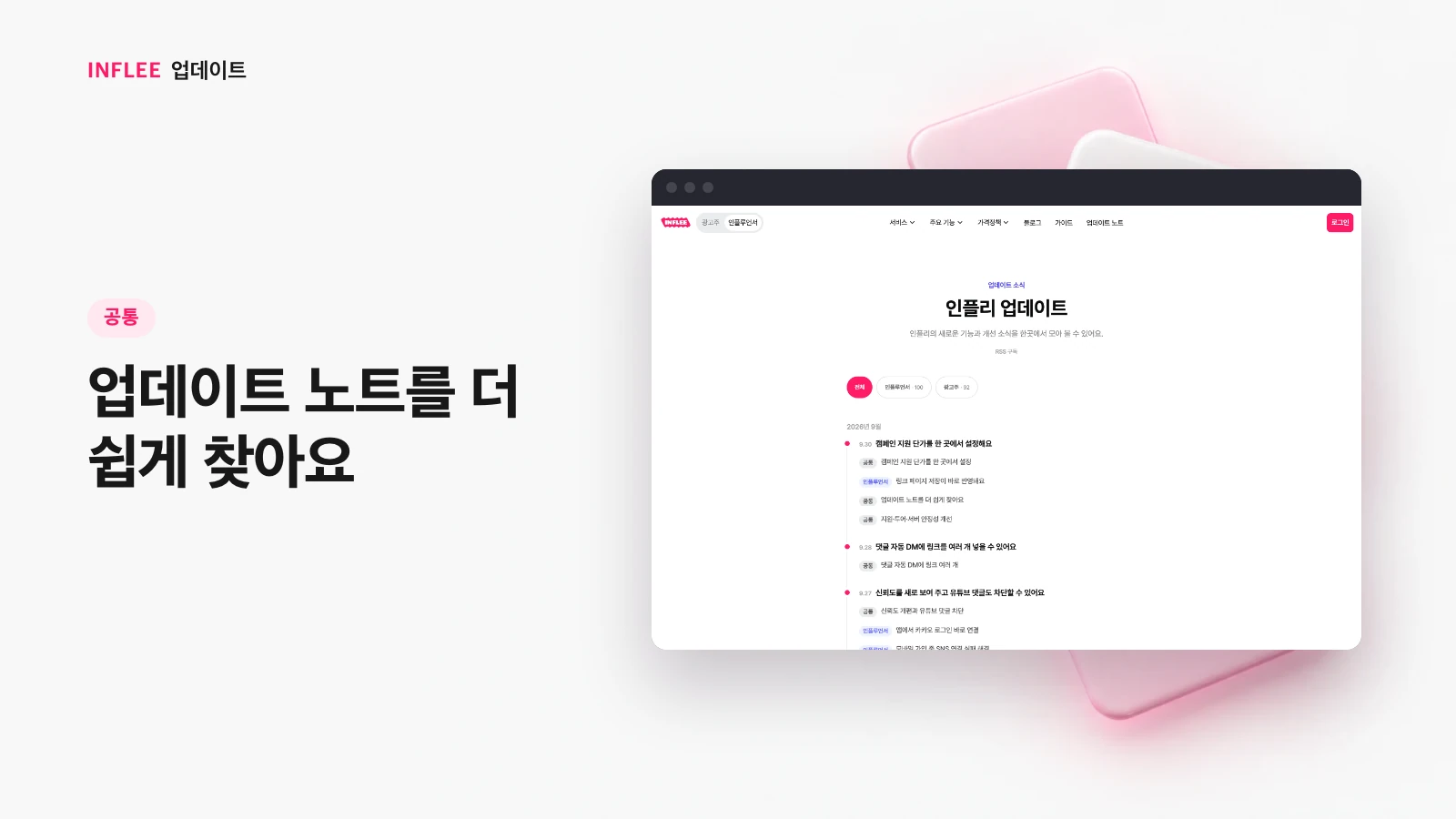
* Images show the current screen. The actual screen may change slightly with updates.
Stability fixes for applications, tours and servers
Tapping the apply button several times now submits only once, and we fixed the tour tooltip covering a button and occasional server errors.
- Tapping the campaign apply button several times now submits your application only once. We also fixed errors that occurred when many applications came in at the same time.
- Fixed an issue in the link page guided tour where the tooltip covered the button for finishing adding a link, so you couldn’t move on to the next step.
- Improved an issue where server memory built up and requests occasionally failed.
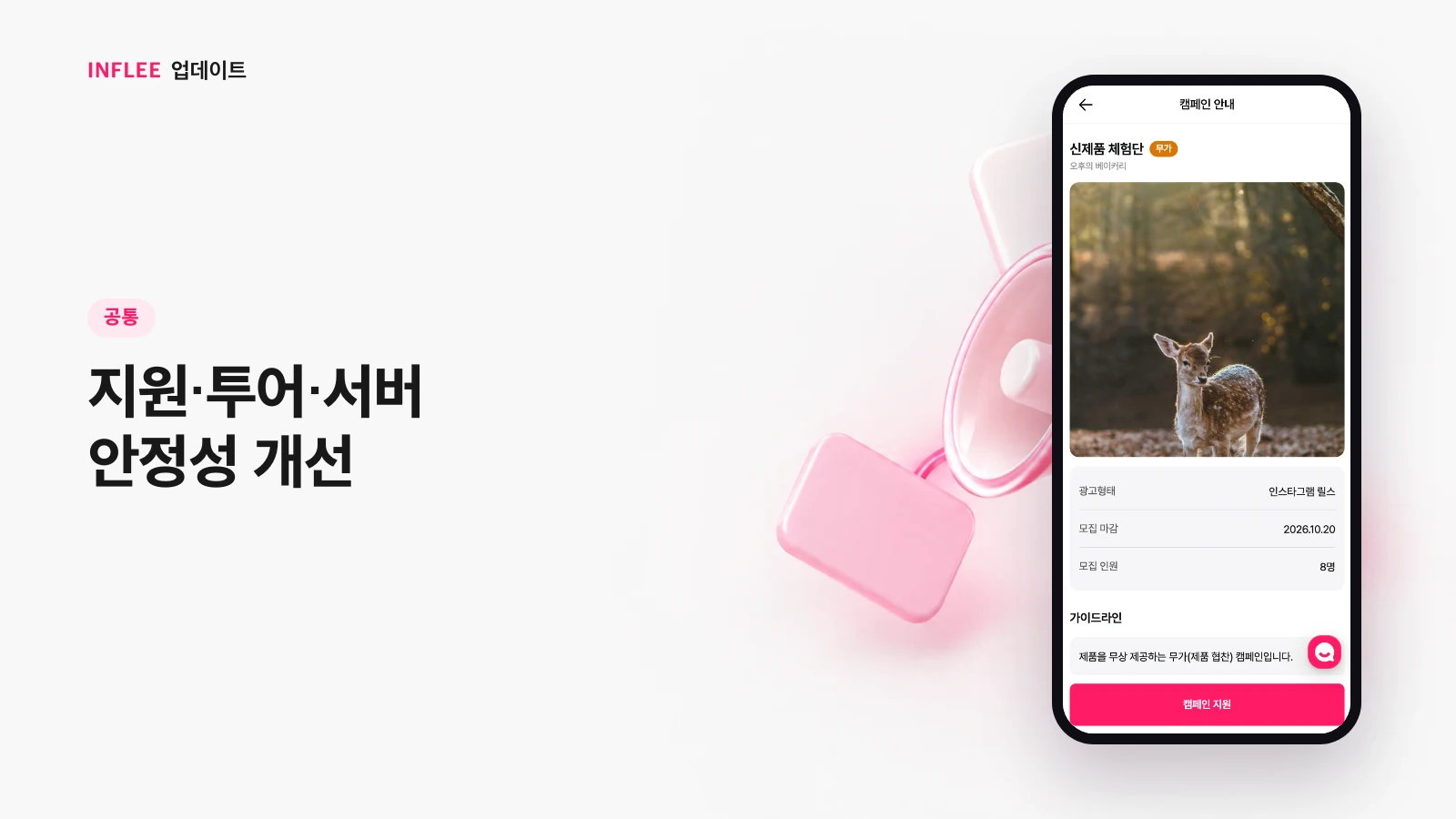
* Images show the current screen. The actual screen may change slightly with updates.