September 14, 2026
Connect and publish to TikTok and 3 more
Connect your TikTok account during sign-up or from My page, then publish to TikTok through Content Calendar.
Connect and publish to TikTok
Connect your TikTok account during sign-up or from My page, then publish to TikTok through Content Calendar.
You can now connect TikTok to inflee. Connect your TikTok account during sign-up or from My page, then publish or schedule to TikTok right from Content Calendar. TikTok insights, such as hashtags and recommended posting times, opened to all accounts on September 22.
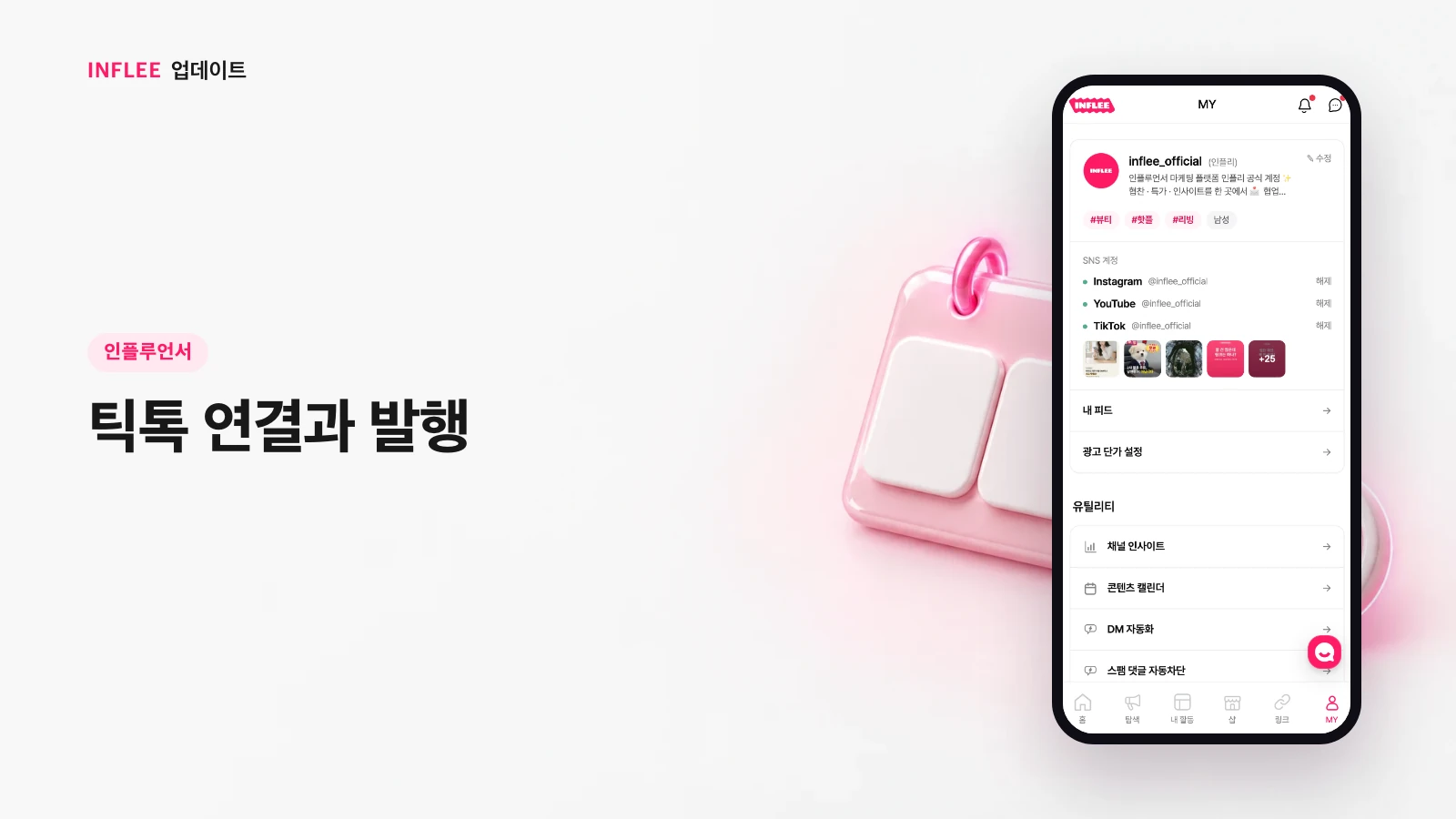
* Images show the current screen. The actual screen may change slightly with updates.
Important alerts via both app push and KakaoTalk
Even with app push turned on, important alerts like proposals and payouts are also sent as KakaoTalk notifications so you don't miss them.
Important alerts such as campaign proposals, payment completion and payout deposits are also sent as KakaoTalk notifications, even if you have app push turned on. You won't miss important news even if you don't open the app often.

* Images show the current screen. The actual screen may change slightly with updates.
Redesigned toast messages and clearer wording
On-screen toast messages now make success and failure easy to tell apart, with clearer wording.
The brief on-screen messages that pop up when an action finishes have a new design that makes success and failure clear at a glance. We also made the messages for shop applications and accepting proposals easier to understand.

* Images show the current screen. The actual screen may change slightly with updates.
One error no longer freezes the whole screen
If part of a screen hits an error, the rest keeps working and you can retry just that part.
If an error occurs in one part of a screen, the whole page no longer freezes. You can retry just the part that had trouble, without starting over.

* Images show the current screen. The actual screen may change slightly with updates.