August 28, 2026
Sponsorship requests and YouTube connection are here
Creators can request sponsorships from brands and connect a YouTube channel to see its insights. We also added a follow check step to auto DM and a connection complete screen.
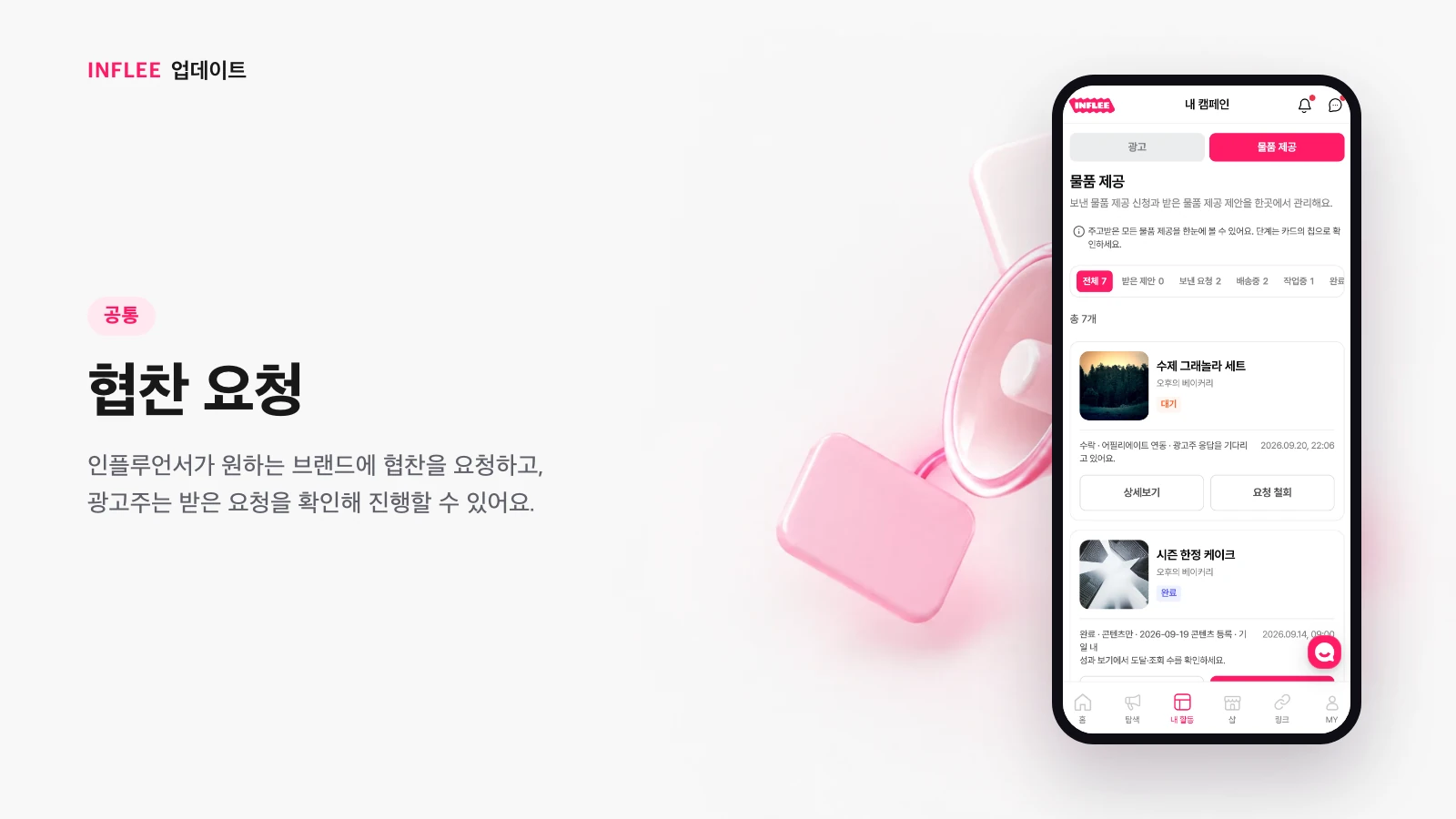
Sponsorship requests
Creators can request sponsorships from the brands they want, and brands can review the requests they receive and move forward.
Creators can now reach out first and request a sponsorship from brands they want to work with. Brands can review the sponsorship requests they receive in one place and pick the ones they like to turn into collaborations.
* Images show the current screen. The actual screen may change slightly with updates.
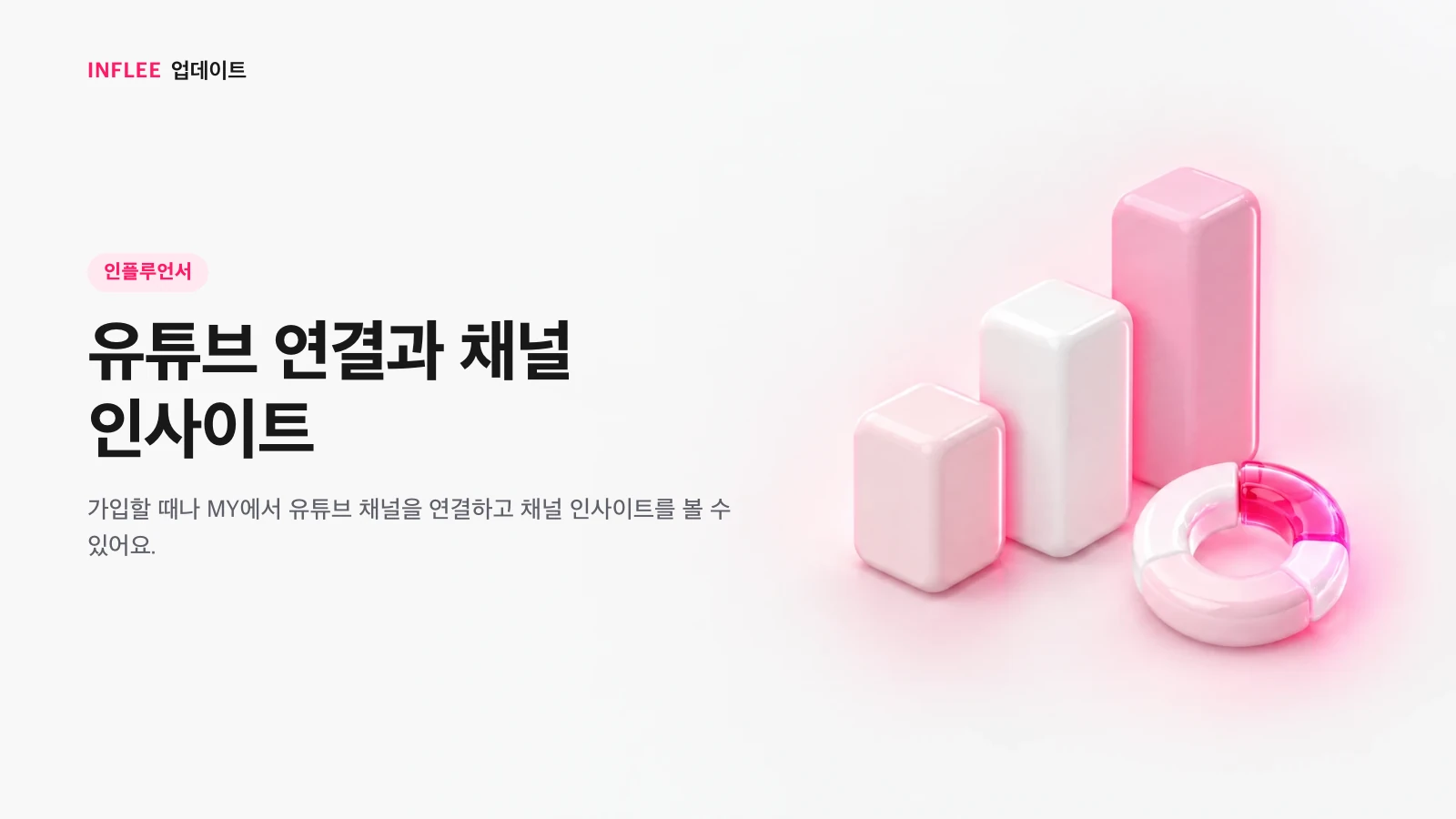
Connect YouTube and see channel insights
Connect your YouTube channel during sign-up or from My page to see its insights.
You can connect your YouTube channel during sign-up or from My page. Once connected, channel insights such as subscribers and views are right there in inflee.
* Images show the current screen. The actual screen may change slightly with updates.
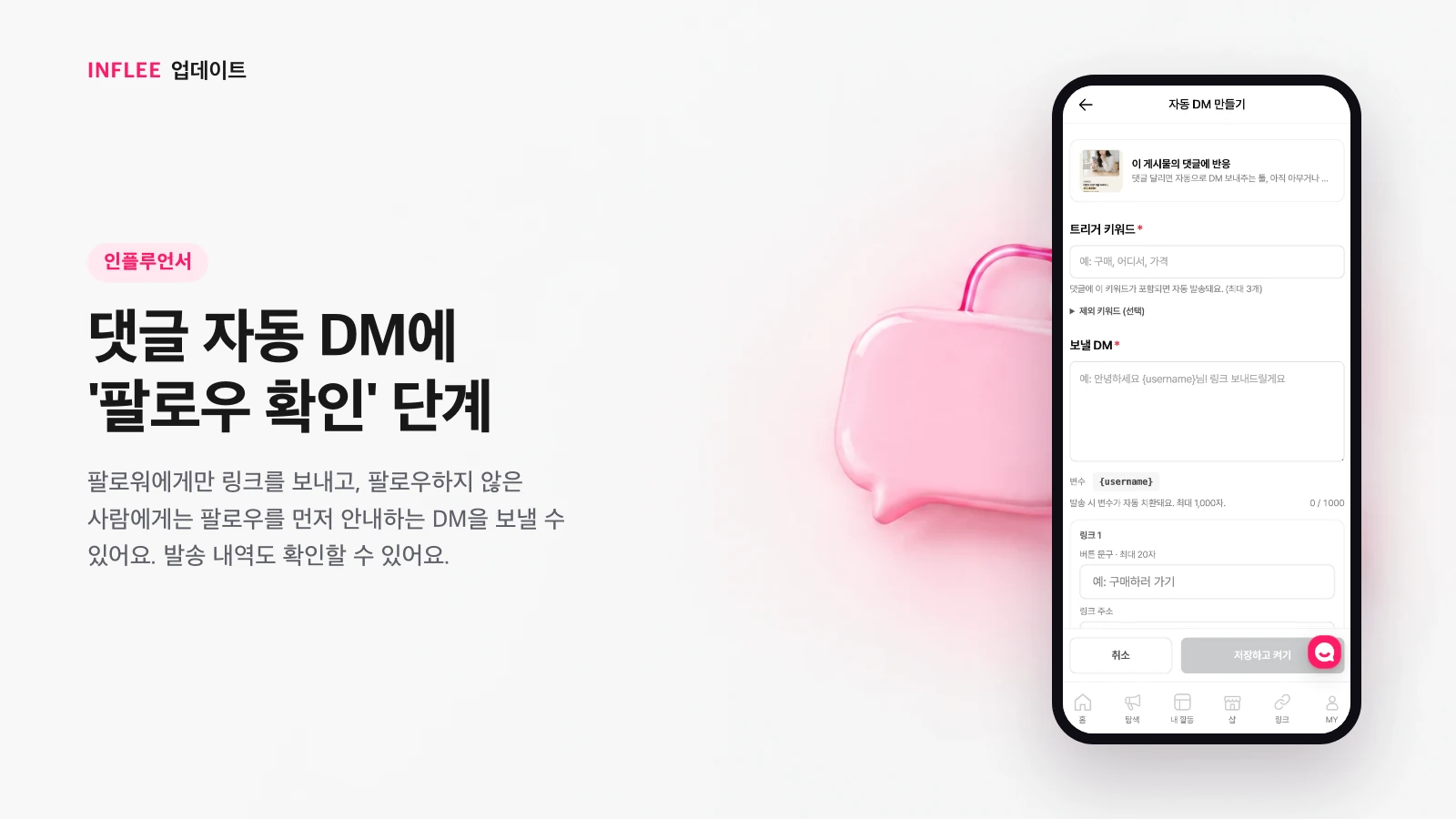
A “follow check” step for comment auto DM
Send the link only to followers, and ask non-followers to follow first. You can also review what was sent.
We added a “follow check” step to comment auto DM. People who already follow you get the link right away, and those who don’t can get a message asking them to follow first. You can also see a log of which DMs went out.
* Images show the current screen. The actual screen may change slightly with updates.
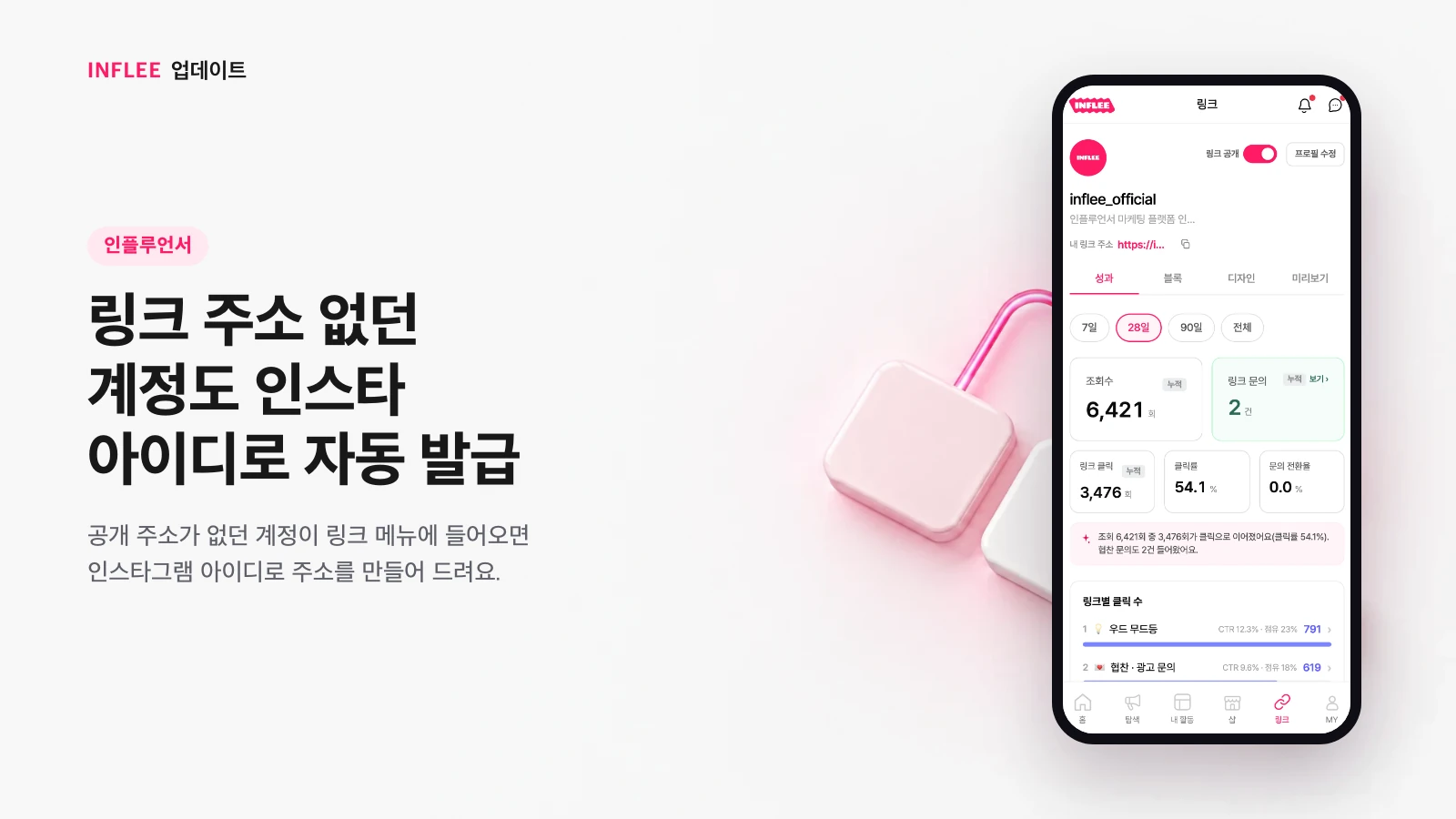
Link page addresses created from your Instagram handle
If your account had no public address, opening the link menu now creates one from your Instagram handle.
Older accounts without a public address now get one automatically, based on your Instagram handle, when you open the link menu. You can start using your link page right away with no setup.
* Images show the current screen. The actual screen may change slightly with updates.
A connection complete screen and new loading animation
Finishing a social account connection now shows a confirmation screen with the inflee logo, and loading screens use an inflee animation.
When you finish connecting a social account, a screen with the inflee logo confirms you’re all set. Loading screens throughout the app now use an inflee brand animation too.
* Images show the current screen. The actual screen may change slightly with updates.