August 10, 2026
Introducing the new inflee and 10 more
We fully replaced inflee with a new version. Desktop support, your own public address (@handle), sign-up with social account connection and a new campaign creation window all changed at once.
Introducing the new inflee
We fully replaced inflee with a new version. Desktop support, your own public address (@handle), sign-up with social account connection and a new campaign creation window all changed at once.
We gave inflee a fresh new version. You can now use it on a wide desktop screen as well as on mobile, and you get a public address made of just your @handle. You can connect your Instagram account right as you sign up, and the campaign creation and management screens are new too. Below, we walk you through the main changes one by one.
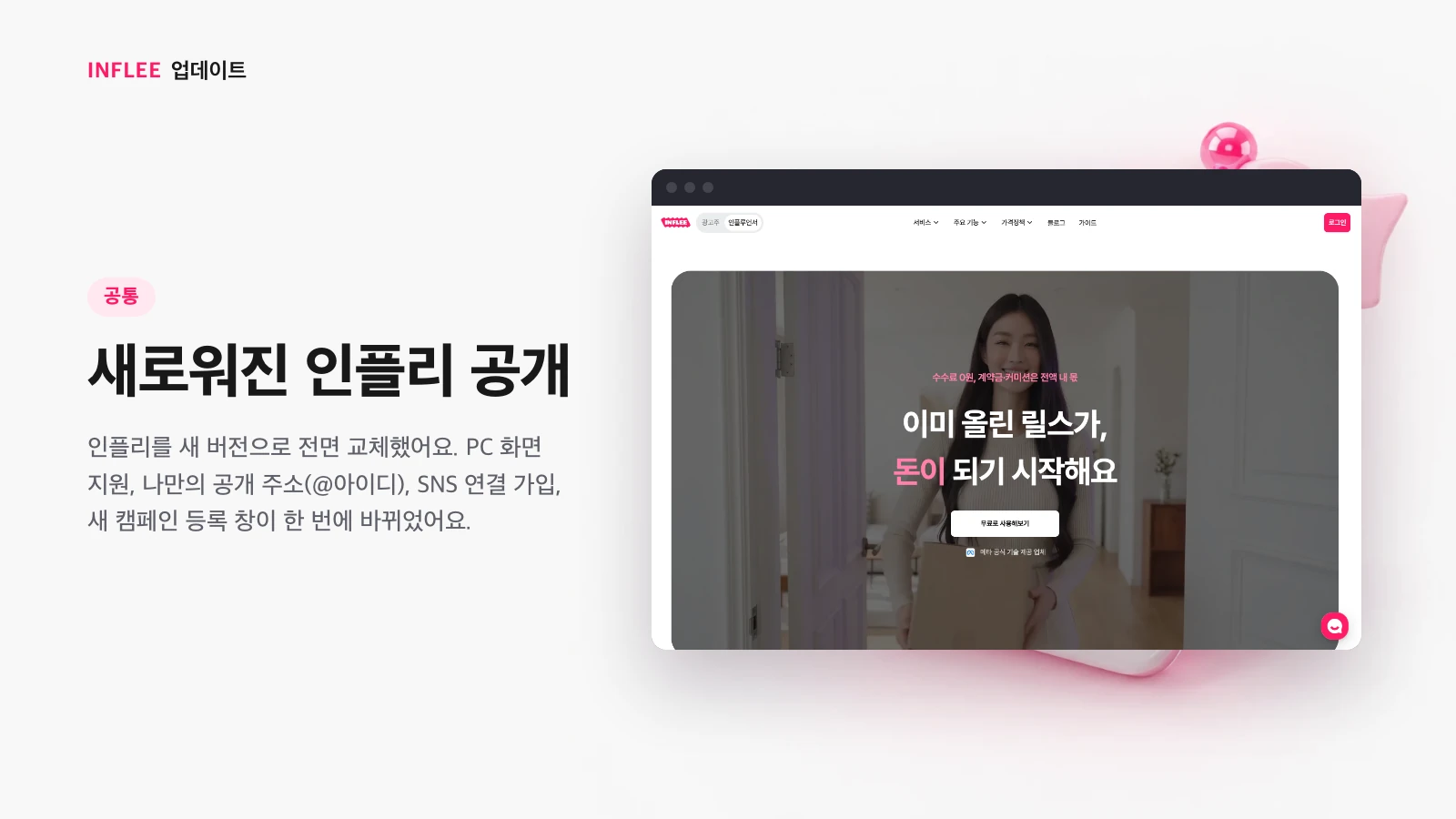
* Images show the current screen. The actual screen may change slightly with updates.
Desktop layout and a redesigned My page
Creator screens now use a wide layout on desktop, and you can edit profile fields right on My page.
Creator screens now open in a wide layout in desktop browsers too. My page has been reorganized as well — tap any profile field to edit it in place.
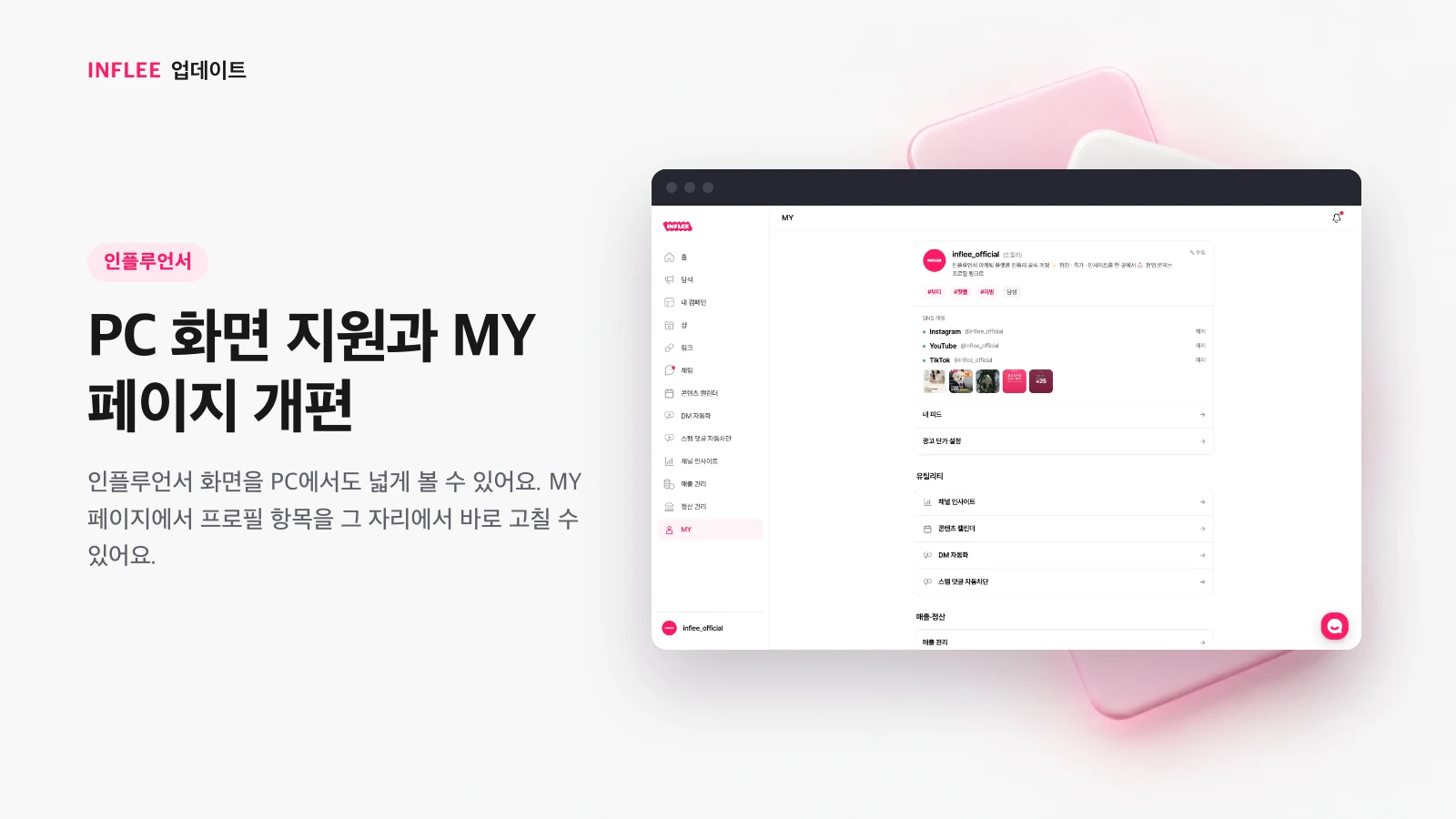
* Images show the current screen. The actual screen may change slightly with updates.
Your own address: inflee.co/@handle
Your link page’s public address is now inflee.co/@handle, created automatically when you sign up.
Your link page’s public address now takes the form inflee.co/@handle. It’s created automatically when you sign up, and your shop uses the same @handle. You can put it in your bio right away without choosing an address yourself.
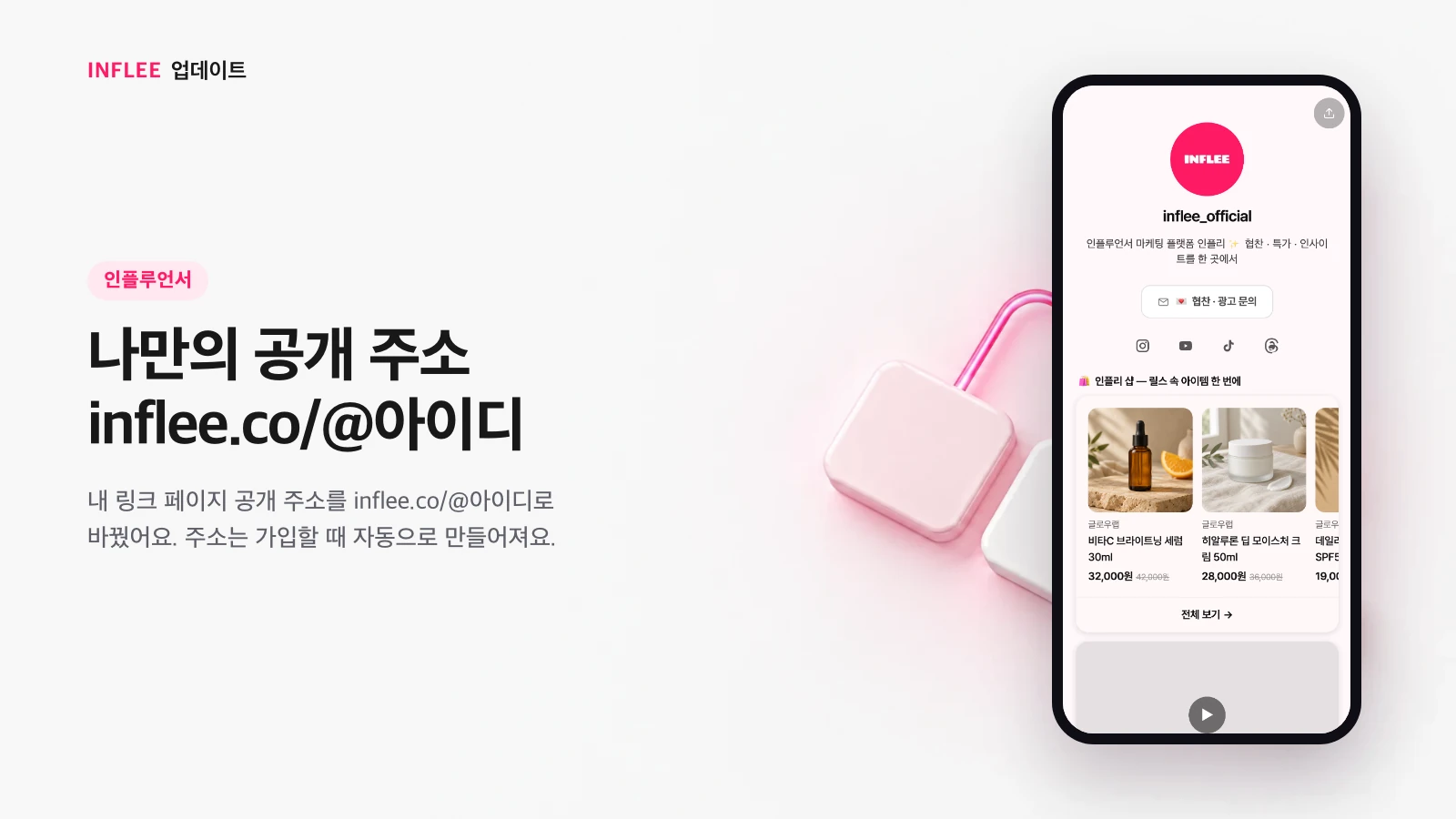
* Images show the current screen. The actual screen may change slightly with updates.
A new sign-up flow: social connection and phone check
Connect, disconnect or switch your social accounts right during sign-up, and we instantly check whether your phone number is already registered.
We rebuilt the sign-up flow. You can connect your Instagram account as you sign up, and disconnect it or switch to another account if you need to. As soon as you enter your phone number, we let you know whether it’s already registered.
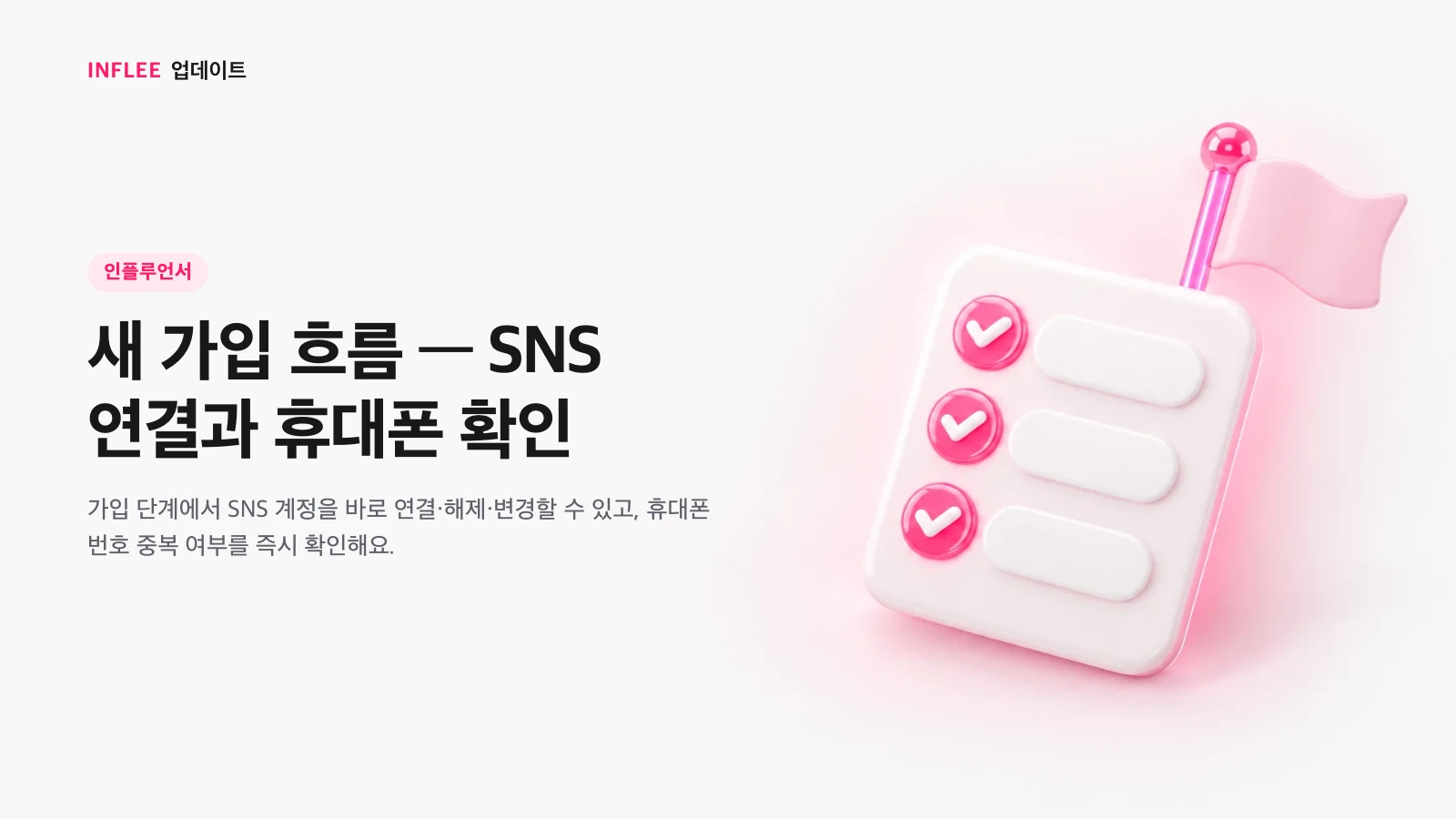
* Images show the current screen. The actual screen may change slightly with updates.
An “All” tab in My campaigns, and chat after accepting a proposal
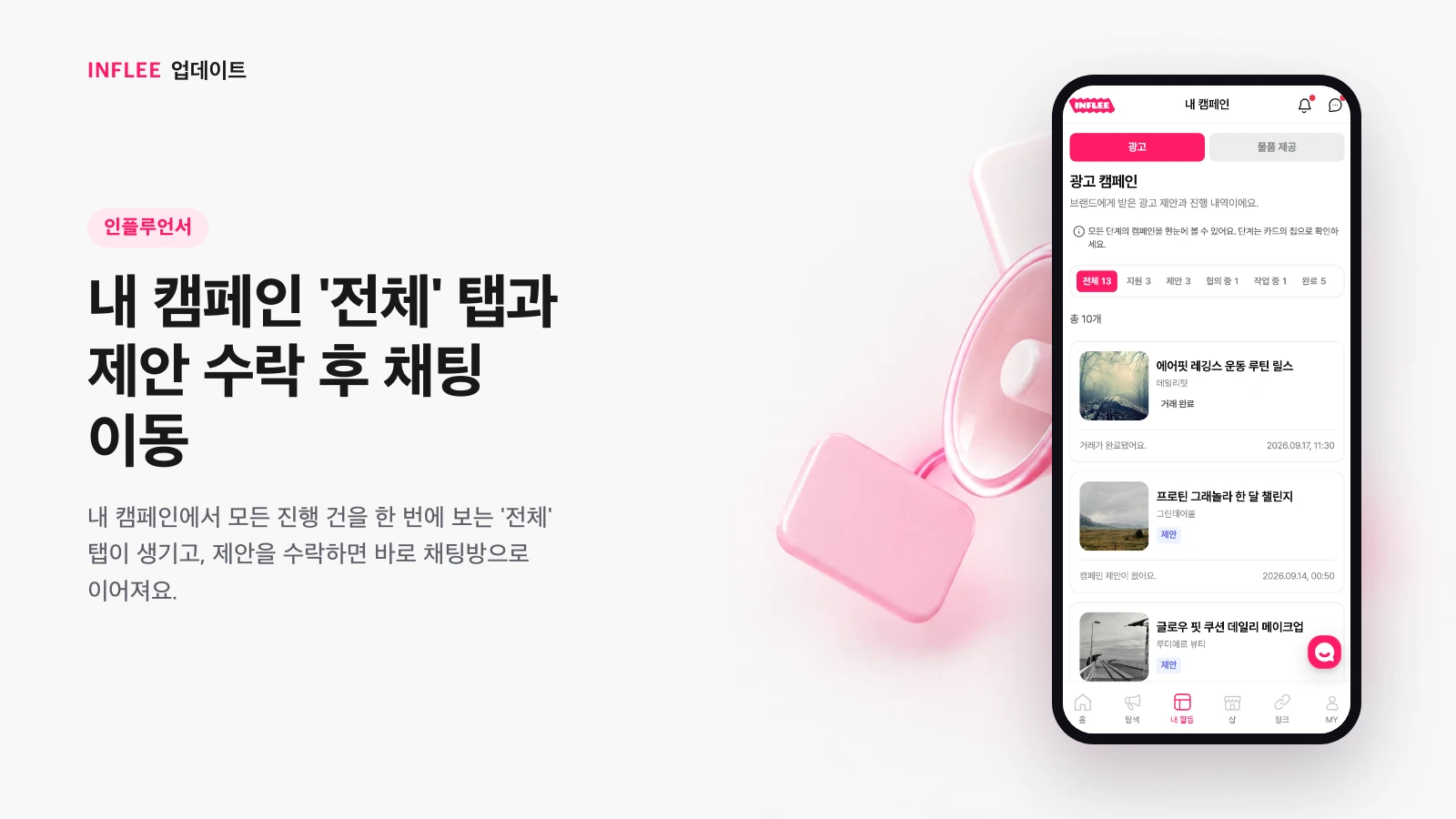
My campaigns now has an “All” tab that shows everything in progress at once, and accepting a proposal takes you straight to the chat room.
We added an “All” tab to My campaigns that gathers everything in progress in one view. When you accept a proposal you received, you go straight to its chat room, so you can start talking with the brand right away.
* Images show the current screen. The actual screen may change slightly with updates.
Proposals show what’s provided and the retail price per person
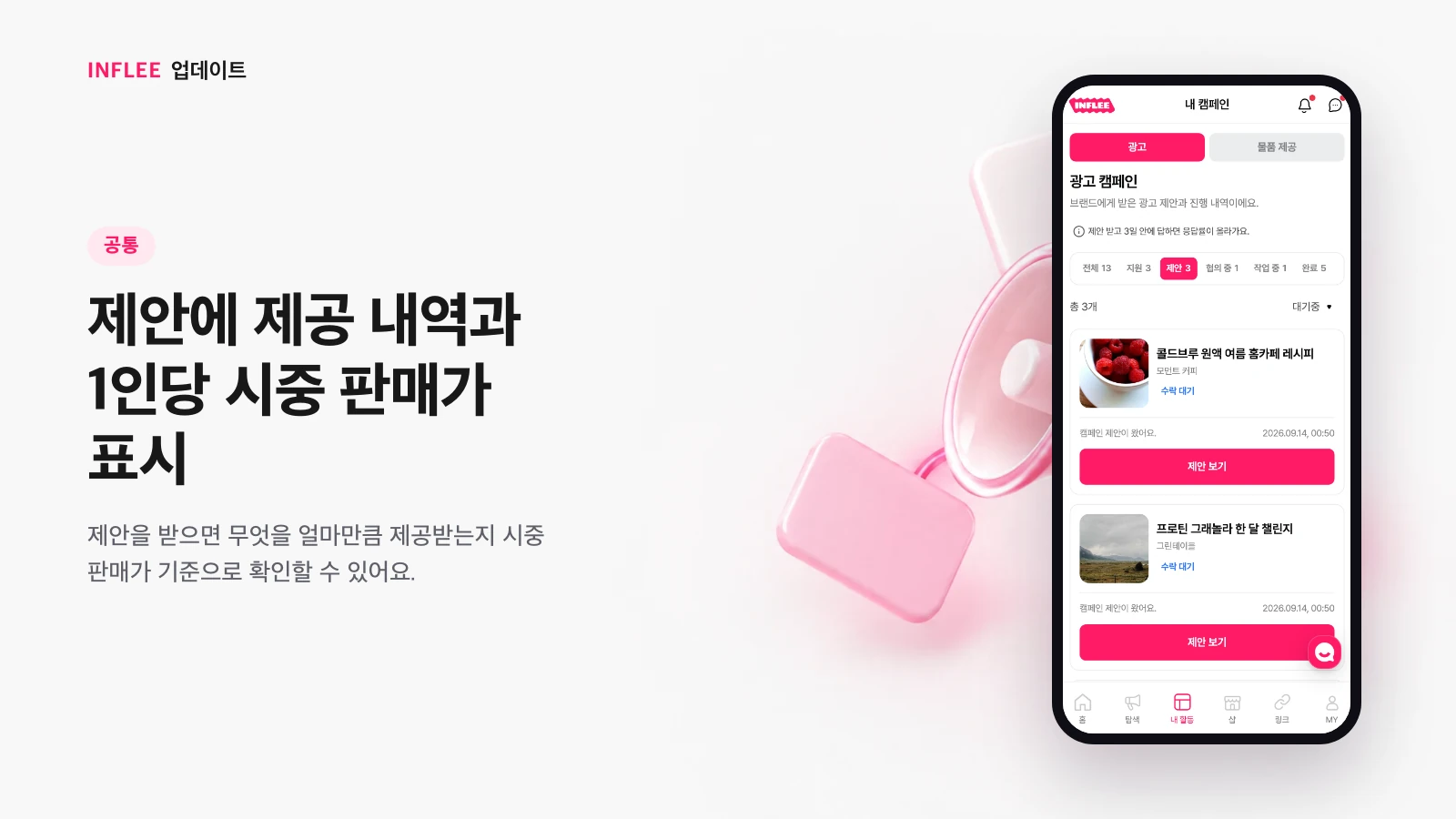
When you receive a proposal, you can see what you’ll get and how much, based on the retail price.
Proposals from brands now show the products provided, the quantity, and the amount per person based on the retail price. When creators receive a proposal, they can see right away what they’ll get and how much, and decide.
* Images show the current screen. The actual screen may change slightly with updates.
Commission rates of 5–70%, with a grace period for changes
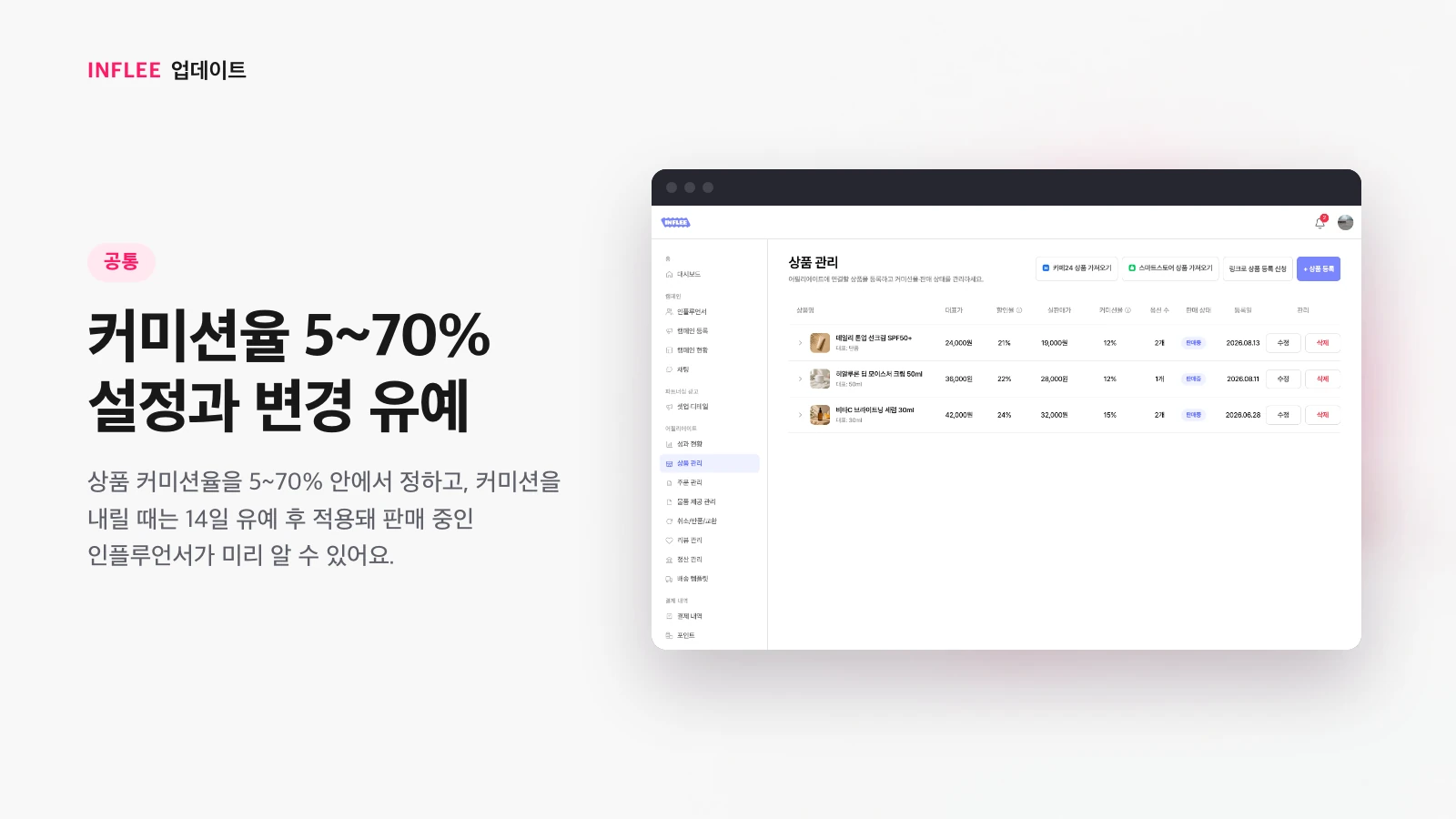
Product commission rates are set between 5% and 70%, and a lowered commission applies after a 14-day grace period, so creators selling the product know in advance.
You can set the commission rate for products on sale anywhere from 5% to 70%. A lowered commission doesn’t apply right away — there’s a 14-day grace period, so creators selling that product can learn about the change in advance.
* Images show the current screen. The actual screen may change slightly with updates.
See performance for completed campaign content
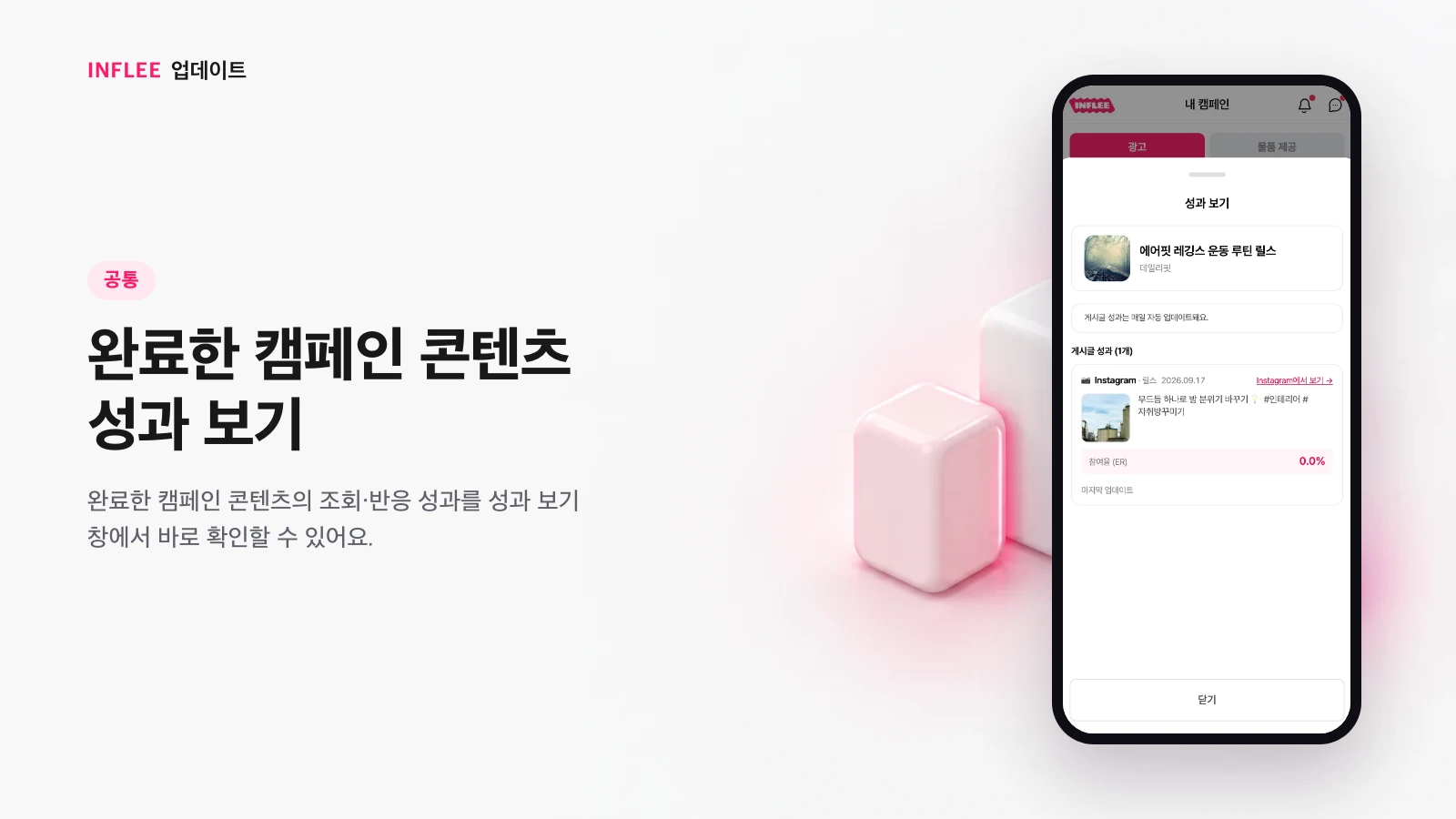
Check views and engagement for completed campaign content right in the performance window.
Even for campaigns you’ve already completed, you can revisit the performance of the content you posted, such as views and engagement, in the performance window. See at a glance how well past collaborations went.
* Images show the current screen. The actual screen may change slightly with updates.
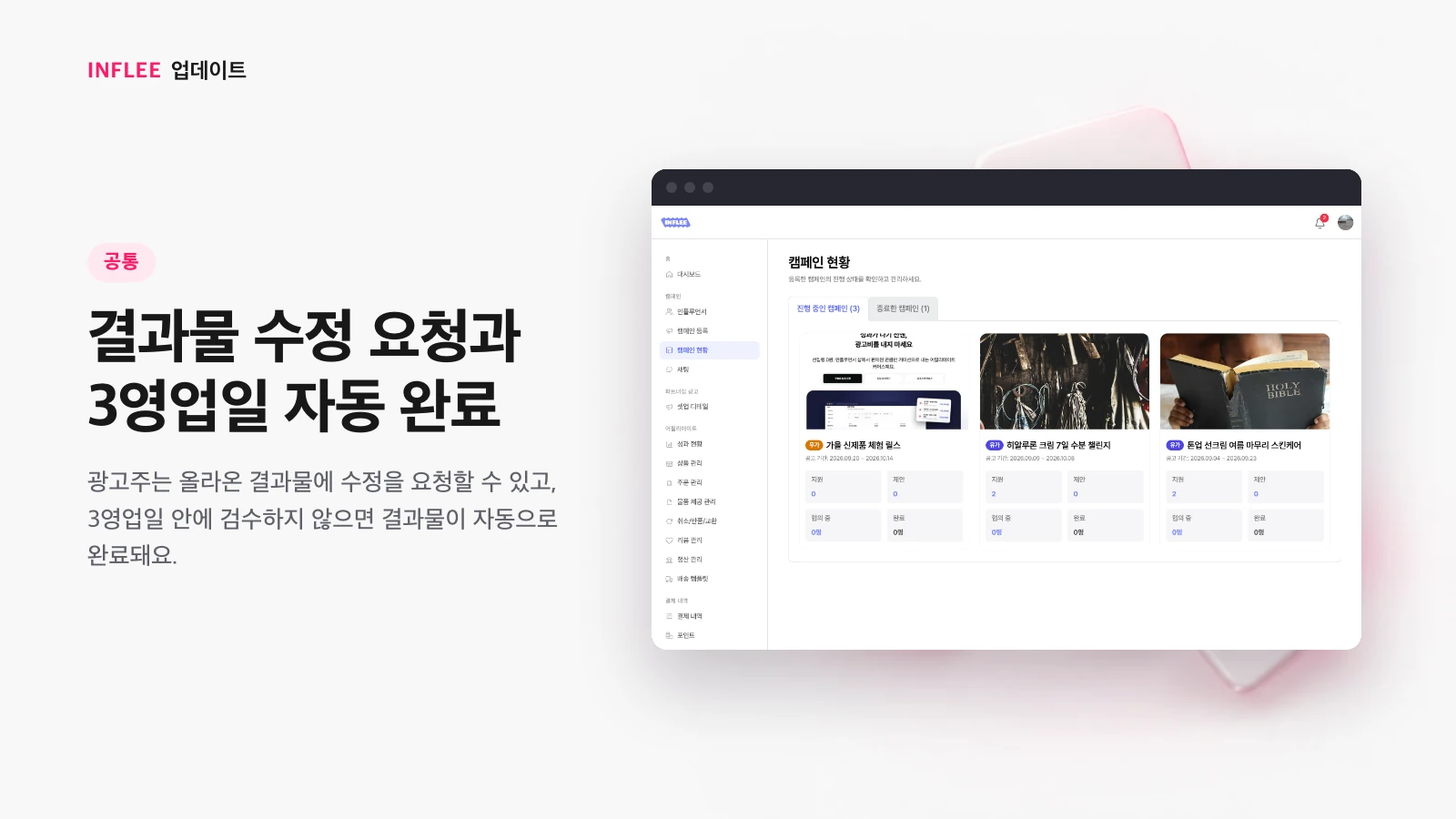
Revision requests and auto-completion after 3 business days
Brands can request revisions to submitted content, and if they don’t review it within 3 business days, the content is completed automatically.
Brands can request revisions while reviewing the content a creator submitted. If the brand doesn’t review it for 3 business days after it’s submitted, it’s automatically marked complete, so the collaboration wraps up without delaying the payout.
* Images show the current screen. The actual screen may change slightly with updates.
Apply to use the shop
Creators who want to use the shop can apply, and once approved, they can use shop features.
Creators who want to use the shop to sell products can apply for shop access. Once approved, you can display products in your shop and get ready to sell.
* Images show the current screen. The actual screen may change slightly with updates.
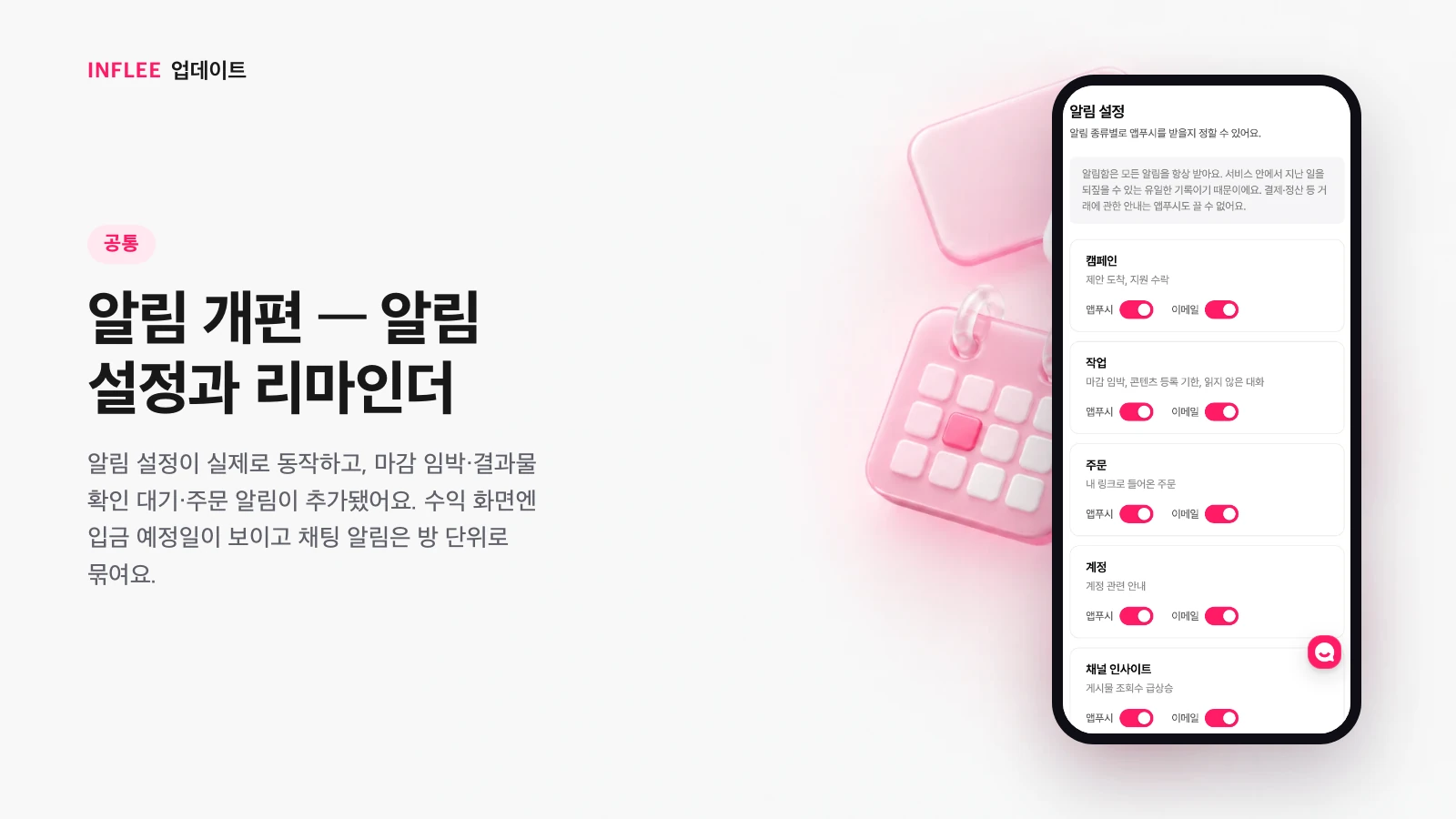
Notification overhaul: settings and reminders
Notification settings now actually work, and we added reminders for upcoming deadlines, content awaiting review and orders. The earnings screen shows expected deposit dates, and chat notifications are grouped by room.
We reworked notifications across the board. Notification settings now take effect exactly as you turn them on or off, and new reminders cover things like upcoming task deadlines, content awaiting review and orders that came in through your link page. The earnings screen now shows expected deposit dates, and notifications from the same chat room are grouped by room, so you don’t get several in a row.
* Images show the current screen. The actual screen may change slightly with updates.