March 30, 2026
Sign in with Google and 6 more
Sign up and log in with your Google account. Google sign-in and sign-out also work in the app.
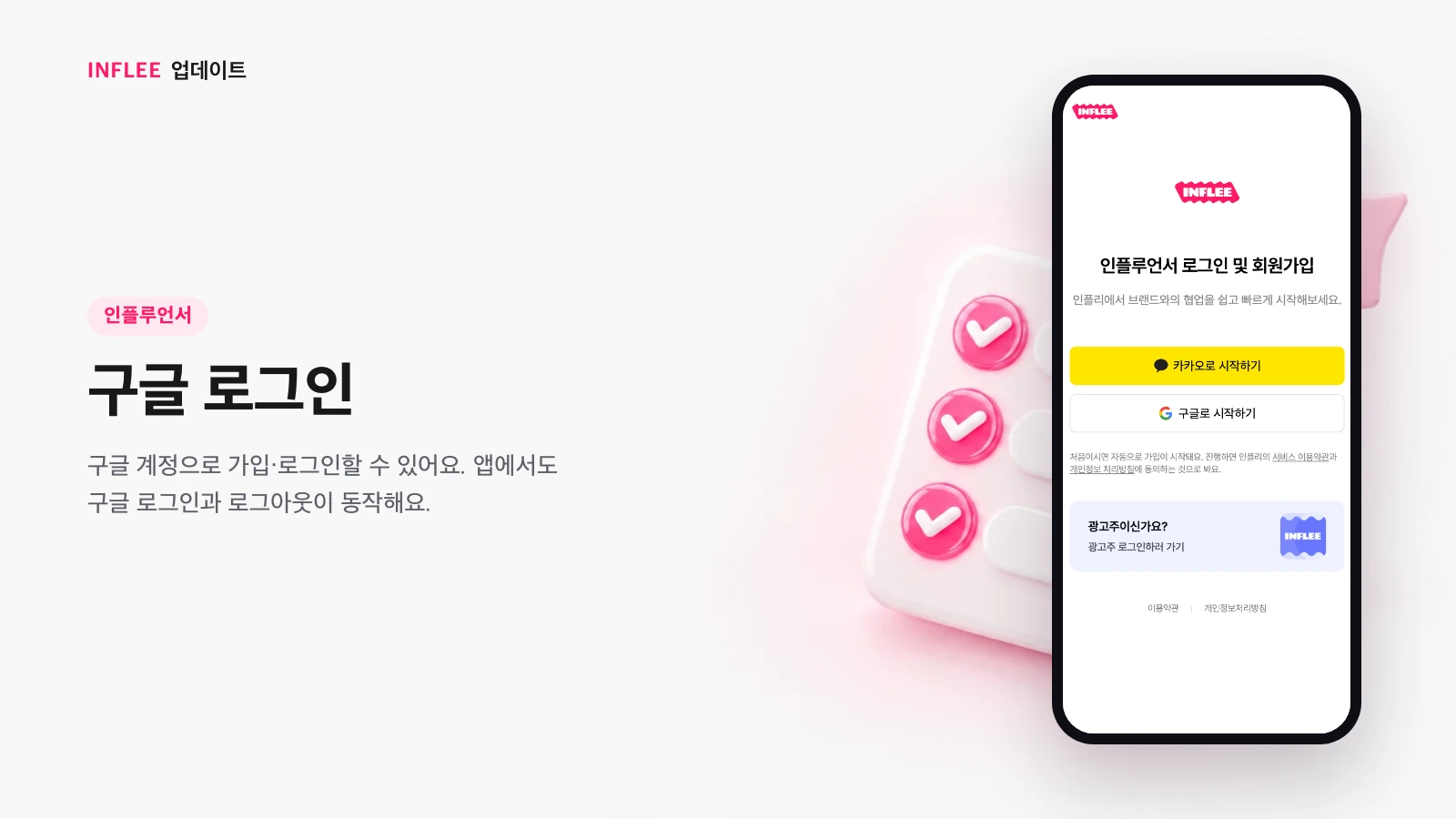
Sign in with Google
Sign up and log in with your Google account. Google sign-in and sign-out also work in the app.
Tap the Google button on the login screen to sign up and log in with your Google account in one step. The inflee app supports the same sign-in and sign-out.
* Images show the current screen. The actual screen may change slightly with updates.
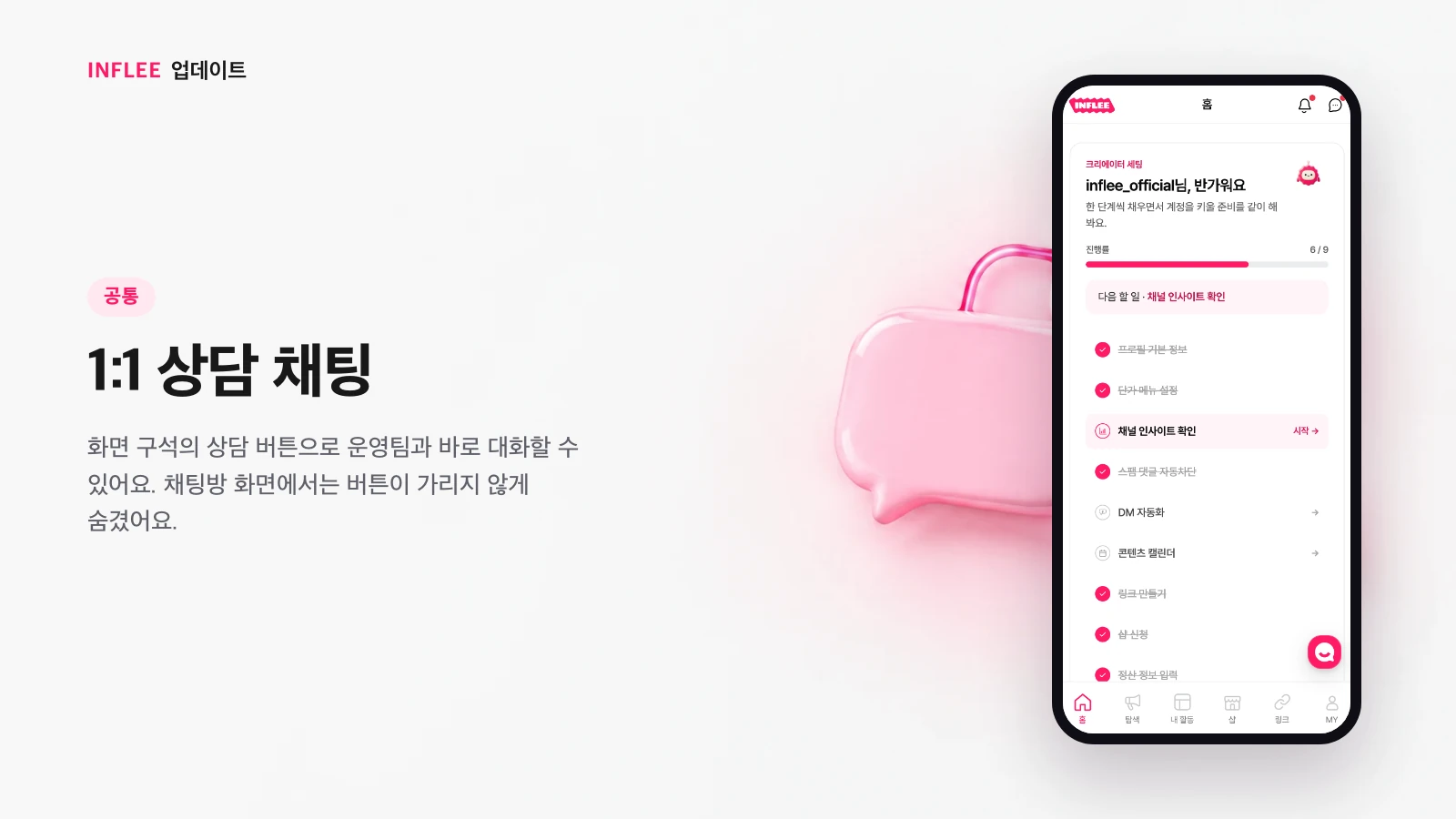
1:1 support chat
Talk to our team right away with the support button in the corner of the screen. In chat rooms, we hide the button so it doesn’t get in the way.
Tap the support button at the bottom right of the screen to chat 1:1 with our team. Inside chat rooms, the button is hidden so it doesn’t cover your conversation, and you can leave a question any time you need help.
* Images show the current screen. The actual screen may change slightly with updates.
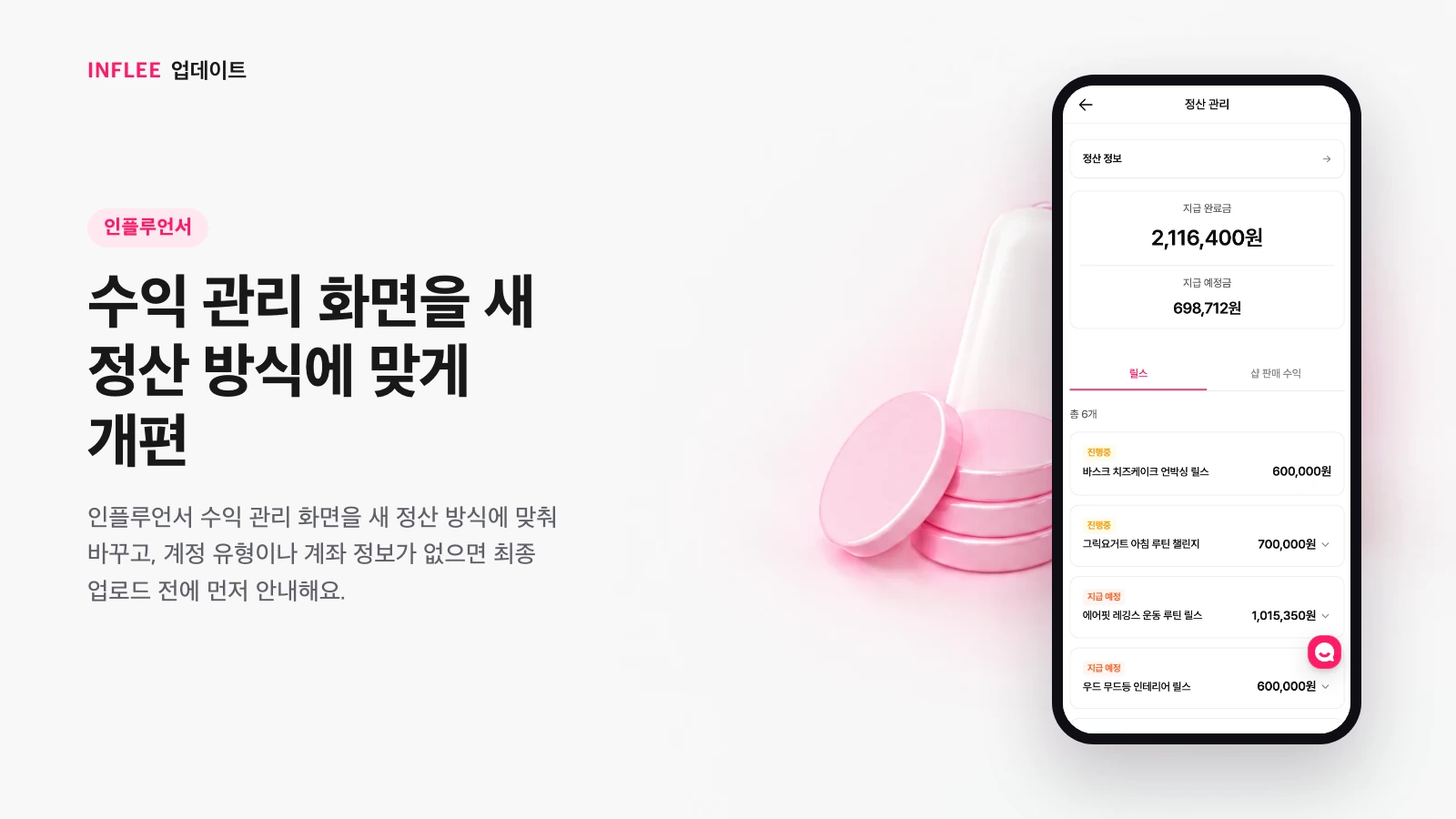
Earnings screen redesigned for the new payout method
We updated the creator earnings screen for the new payout method, and if your account type or bank details are missing, we let you know before your final upload.
We reorganized the creator earnings screen for the new payout method. If your account type or bank details are missing, we let you know before your final upload so your payout doesn’t get stuck.
* Images show the current screen. The actual screen may change slightly with updates.
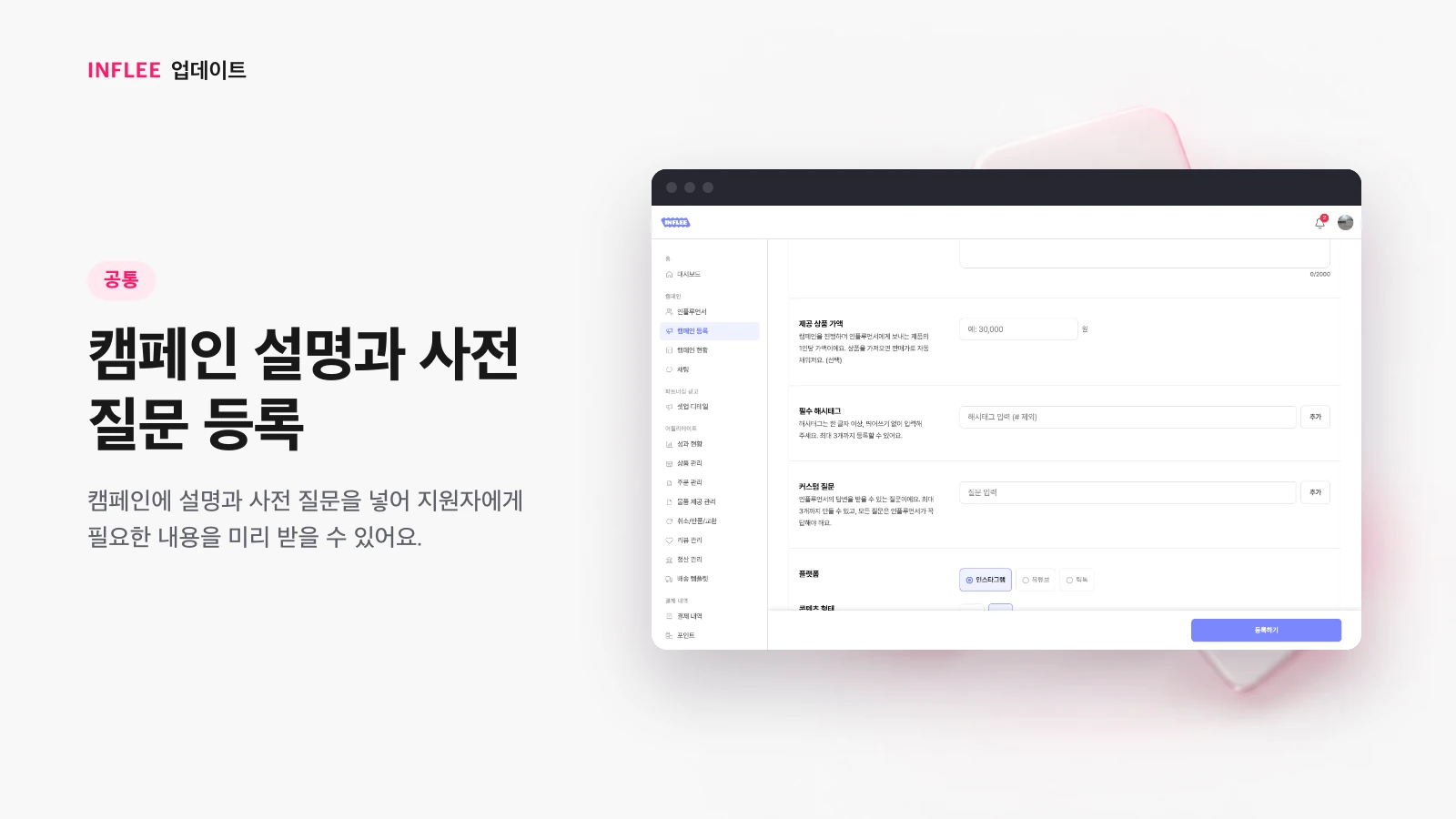
Campaign descriptions and pre-screening questions
Add a description and pre-screening questions to a campaign to collect what you need from applicants up front.
You can add a description and pre-screening questions to a campaign. Collecting what you need from applicants up front makes reviewing them easier.
* Images show the current screen. The actual screen may change slightly with updates.
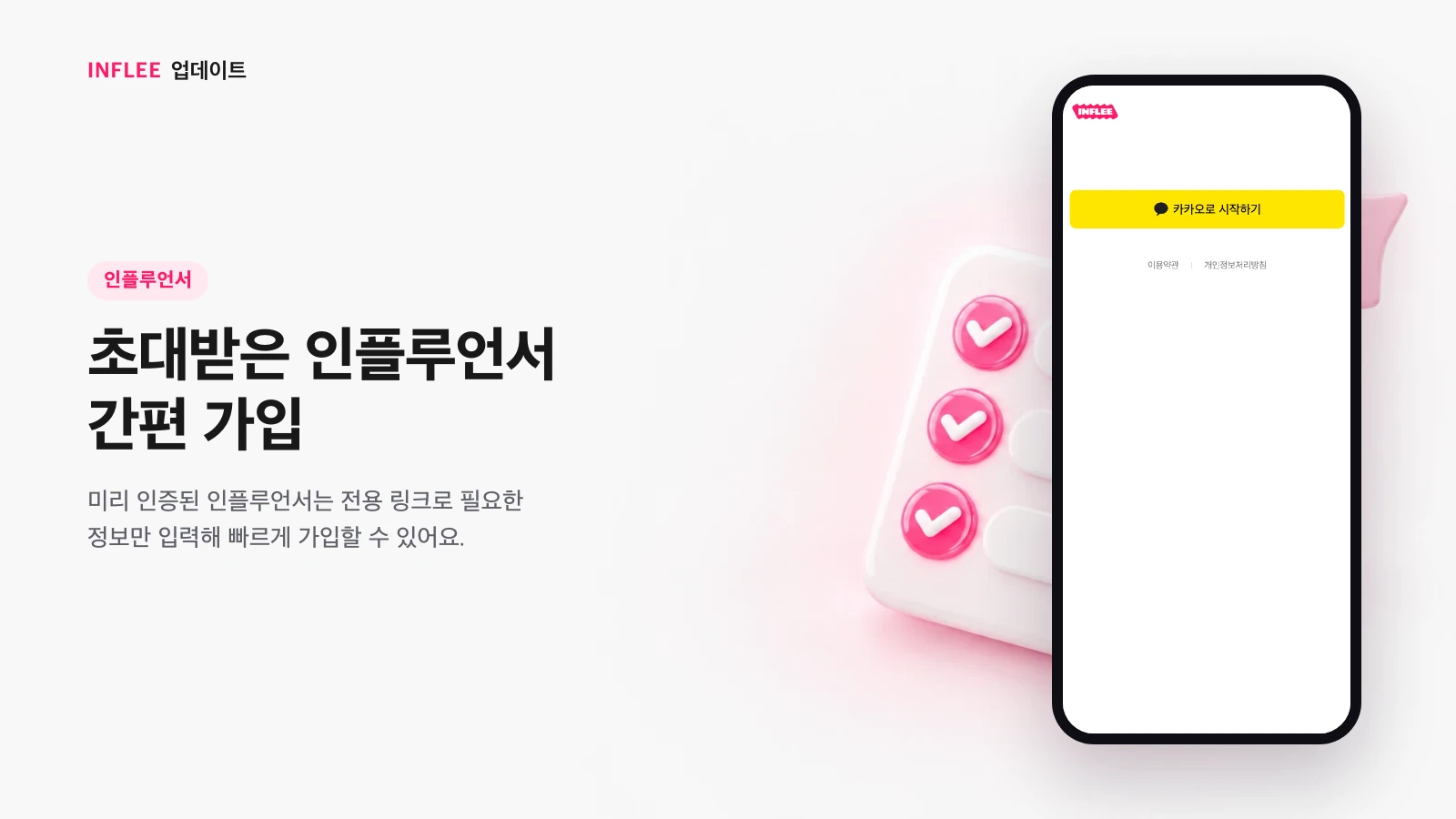
Quick sign-up for invited creators
Pre-verified creators can sign up quickly through a dedicated link by entering only the information needed.
Pre-verified creators come in through a dedicated invite link and finish signing up by entering only the information needed. We don’t ask again for details already confirmed, so there are fewer sign-up steps.
* Images show the current screen. The actual screen may change slightly with updates.
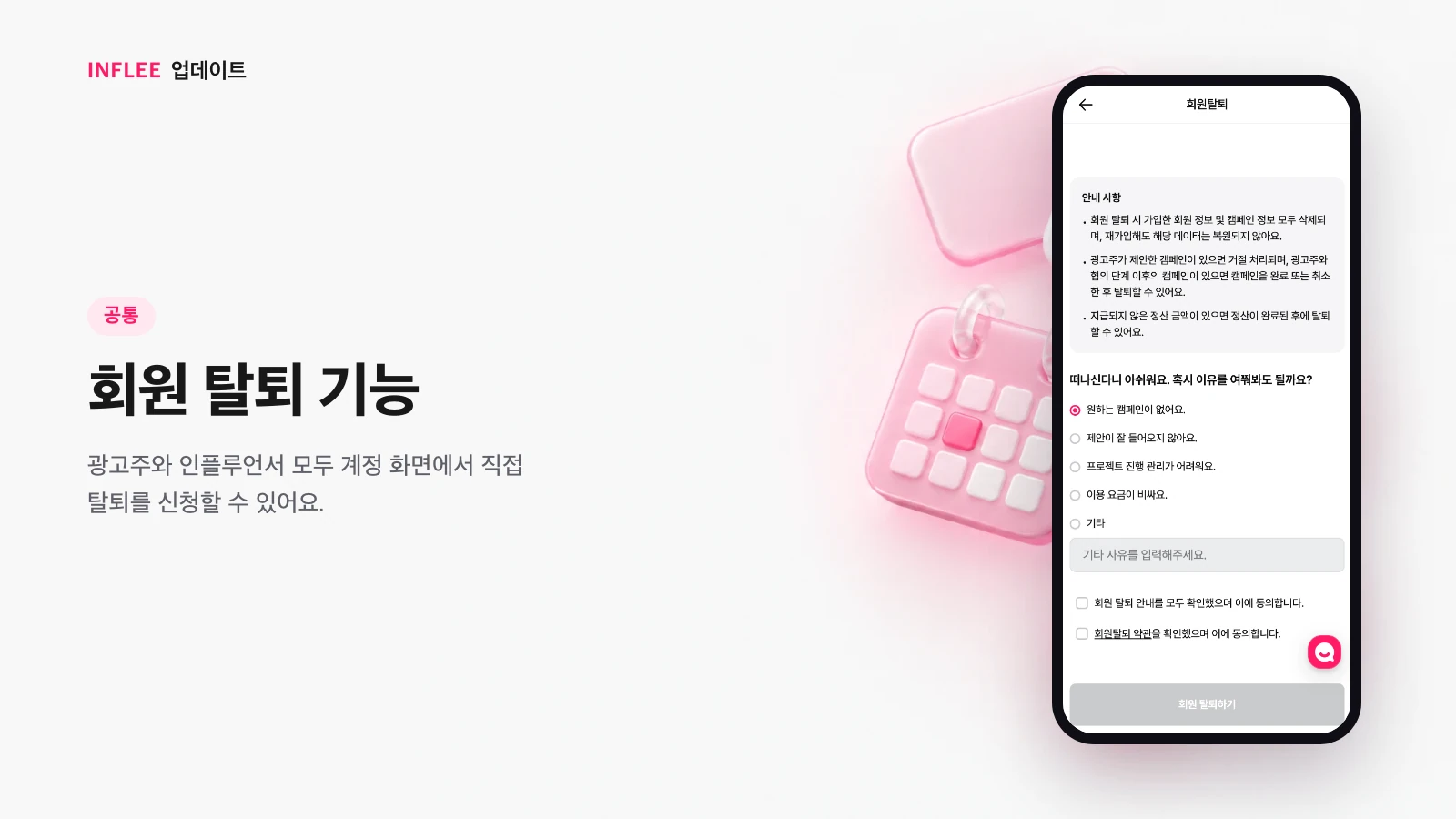
Delete your account
Both brands and creators can request account deletion themselves from the account screen.
Both brands and creators can now request account deletion themselves from the account screen. You’ll review what to know before deleting, then proceed.
* Images show the current screen. The actual screen may change slightly with updates.
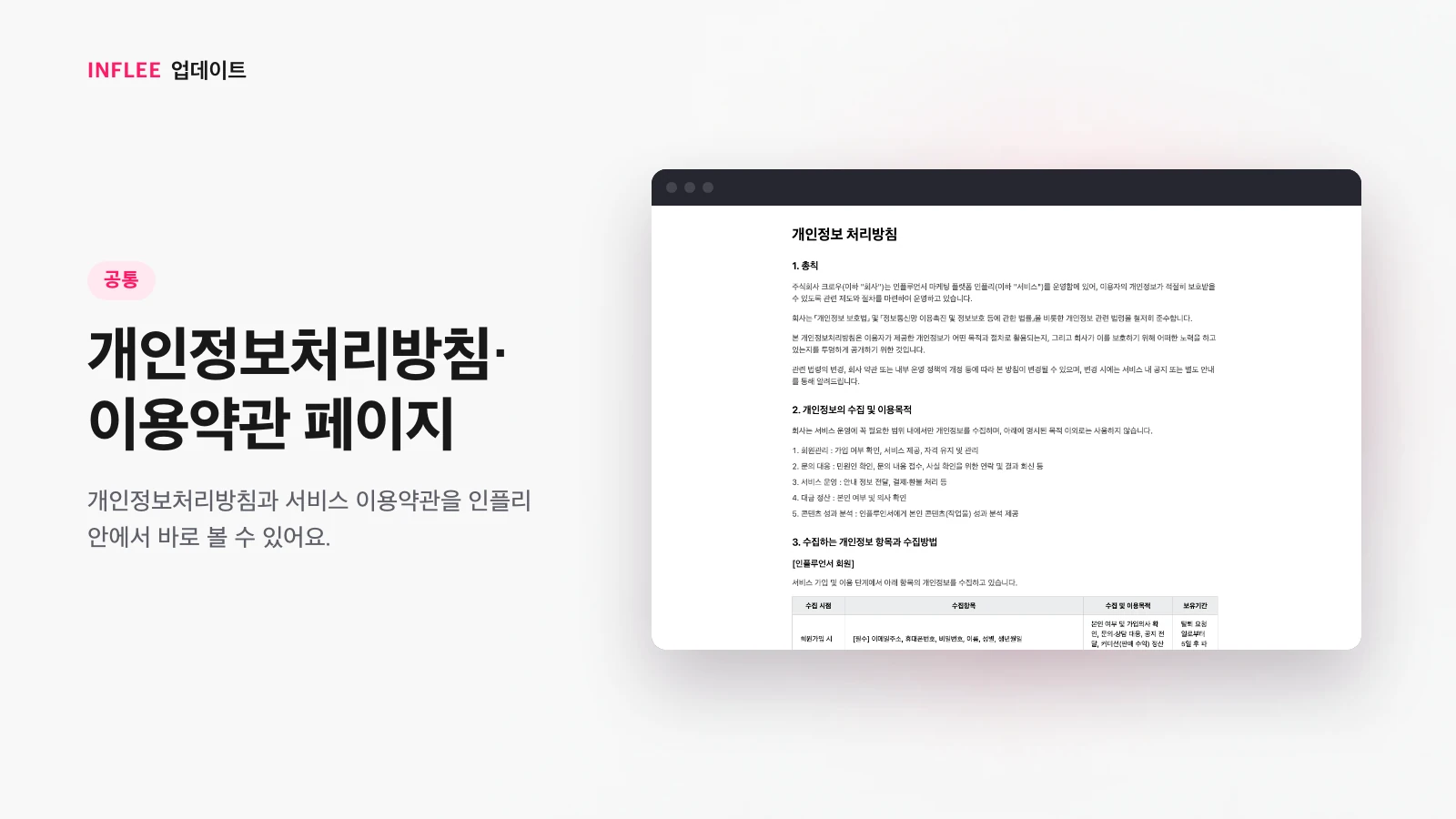
Privacy policy and terms of service pages
You can read the privacy policy and terms of service right inside inflee.
You can read the privacy policy and terms of service right inside inflee. Open them any time you’re curious about the rules while signing up or using the service.
* Images show the current screen. The actual screen may change slightly with updates.