February 27, 2026
Sign in with Apple and push notifications and 4 more
Sign in with your Apple account, and get push notifications in the inflee app.
Sign in with Apple and push notifications
Sign in with your Apple account, and get push notifications in the inflee app.
You can now sign in with your Apple account. In the inflee app, updates now reach you as push notifications.

* Images show the current screen. The actual screen may change slightly with updates.
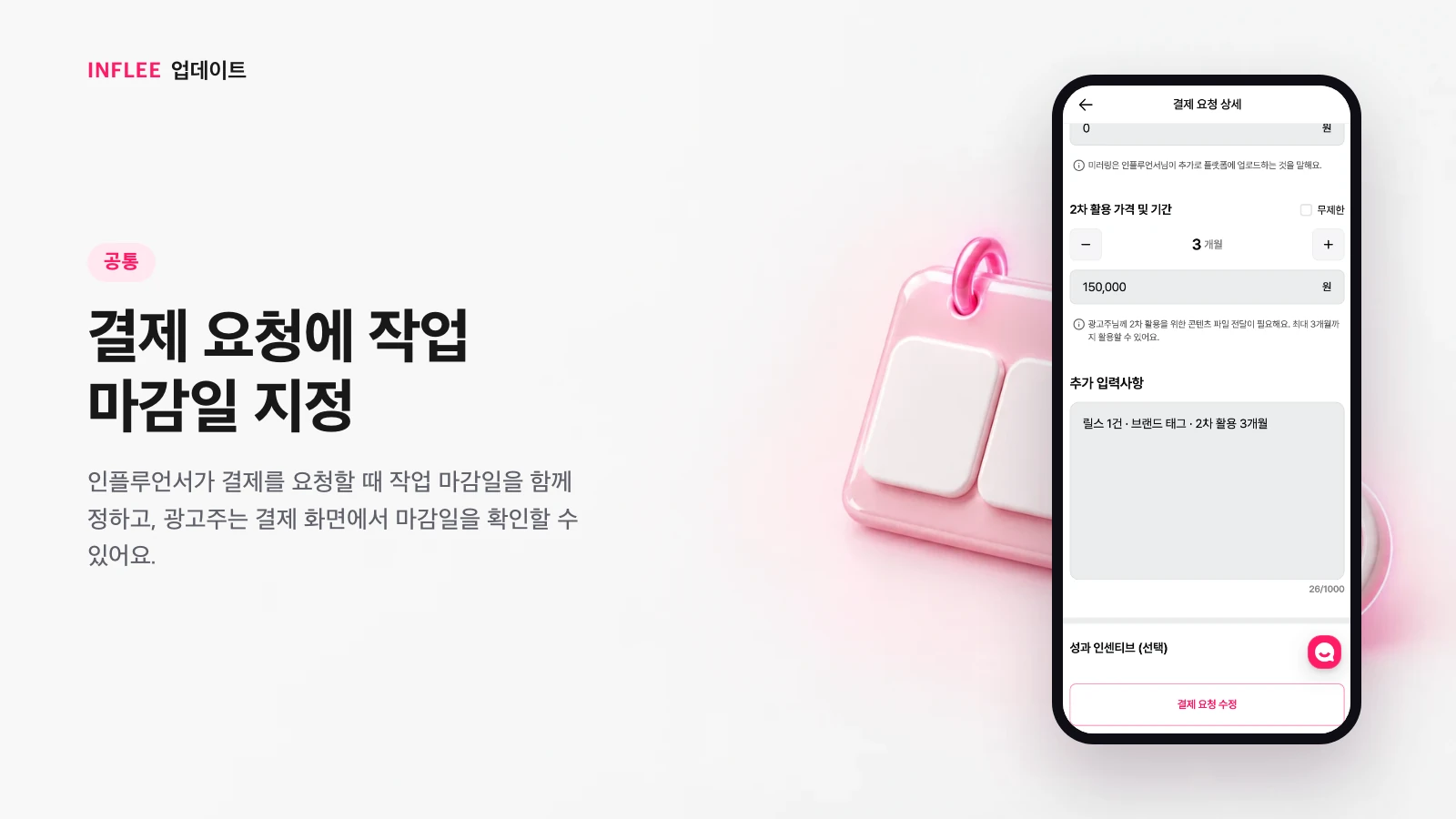
Set a work deadline on payment requests
When creators request payment, they set a work deadline too, and brands can see it on the payment screen.
Pick a work deadline on the payment request screen, and the brand can see when the content will go up before paying. You can start the collaboration with the schedule already agreed.
* Images show the current screen. The actual screen may change slightly with updates.
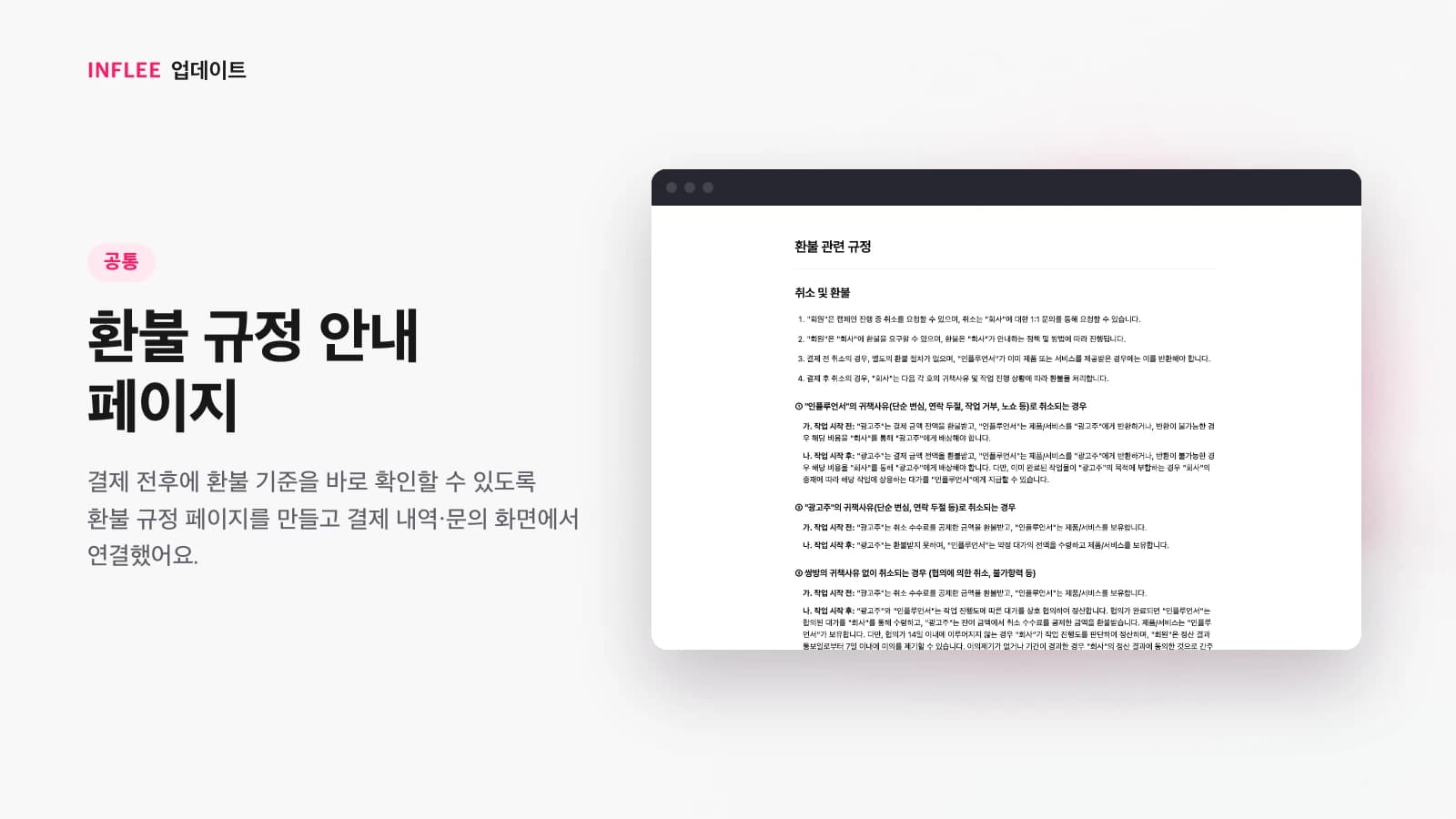
Refund policy page
We made a refund policy page and linked it from the payment history and inquiry screens, so you can check the refund rules before and after paying.
The refund rules are now on one page. You can open it right from the payment history and inquiry screens, so you can check them any time before or after paying.
* Images show the current screen. The actual screen may change slightly with updates.
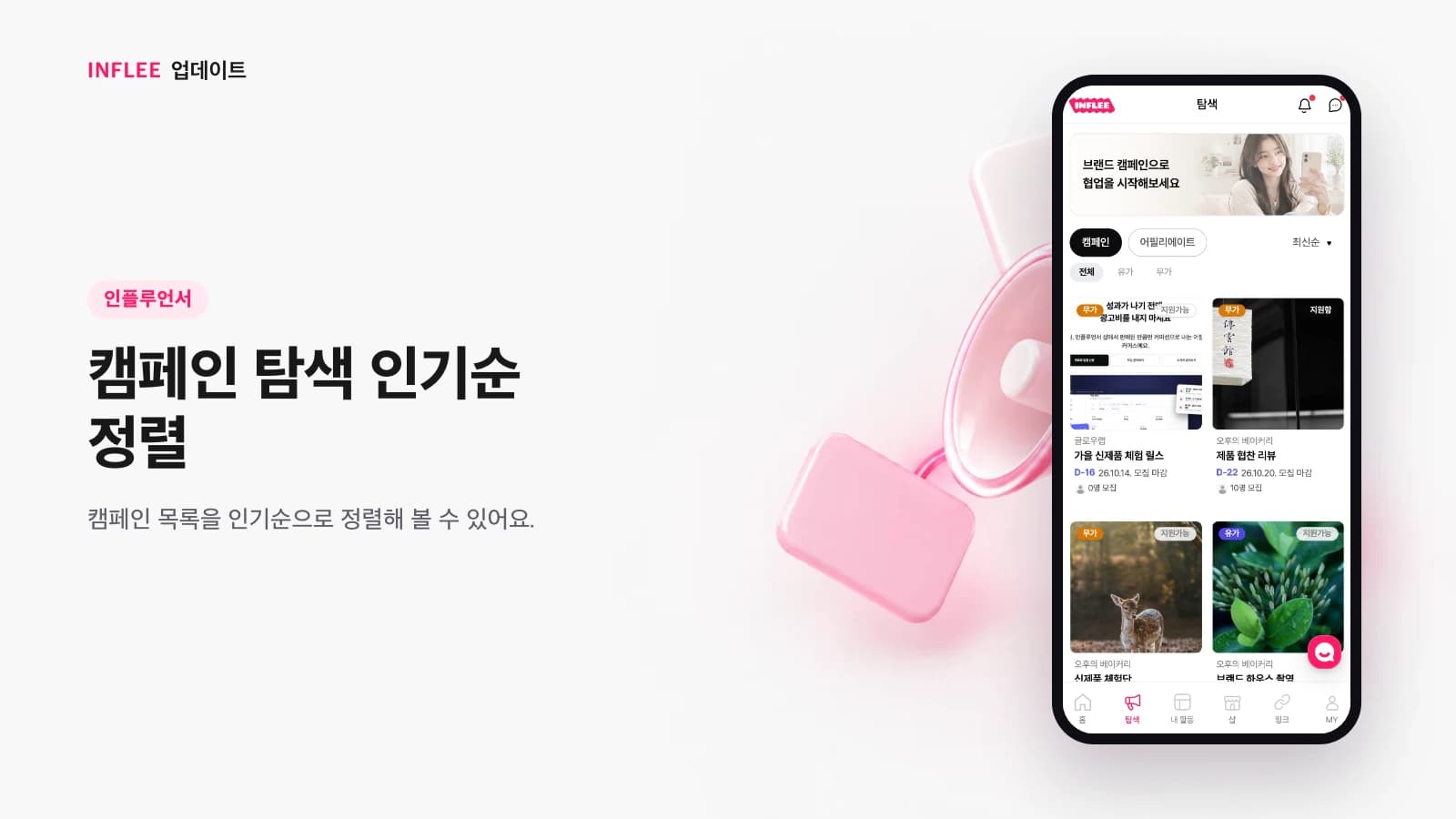
Sort campaigns by popularity
You can sort the campaign list by popularity.
You can sort the campaign list by popularity. It’s a handy way to start with the campaigns many creators are interested in.
* Images show the current screen. The actual screen may change slightly with updates.
Ask us on KakaoTalk Channel
We added a chat button so you can ask questions directly on our KakaoTalk Channel.
We added a chat button to the screen so you can ask questions directly on our KakaoTalk Channel. Today, you can reach our team through the 1:1 support chat in the corner of the screen.

* Images show the current screen. The actual screen may change slightly with updates.